Yes, smart door locks are safe and often more secure than traditional locks because they eliminate physical key vulnerabilities while utilizing banking-level encryption and reinforced deadbolt mechanisms.
Smart door locks represent a significant evolution in residential access control. They do not replace the fundamental security of a physical lock; rather, they build upon the foundation of a traditional deadbolt by adding digital layers of authentication, monitoring, and remote management. At their core, quality smart locks like those from HomeMax Smart and Universal Security Instruments (USI) are made with solid metal construction and reinforced hardware designed to withstand physical tampering.
Homeowners are increasingly migrating toward smart access systems for three primary reasons:
- Convenience: Key-free entry via fingerprints, PINs, or smartphones.
- Trackable Access: A digital audit trail that shows exactly who entered and when.
- Remote Monitoring: Real-time notifications and the ability to lock or unlock the door from anywhere in the world.
While the introduction of digital connectivity introduces new variables, the reality is that the risks are often lower than the inherent vulnerabilities of old-fashioned mechanical keys, which are easily lost, stolen, or duplicated.
What Are Smart Door Locks?
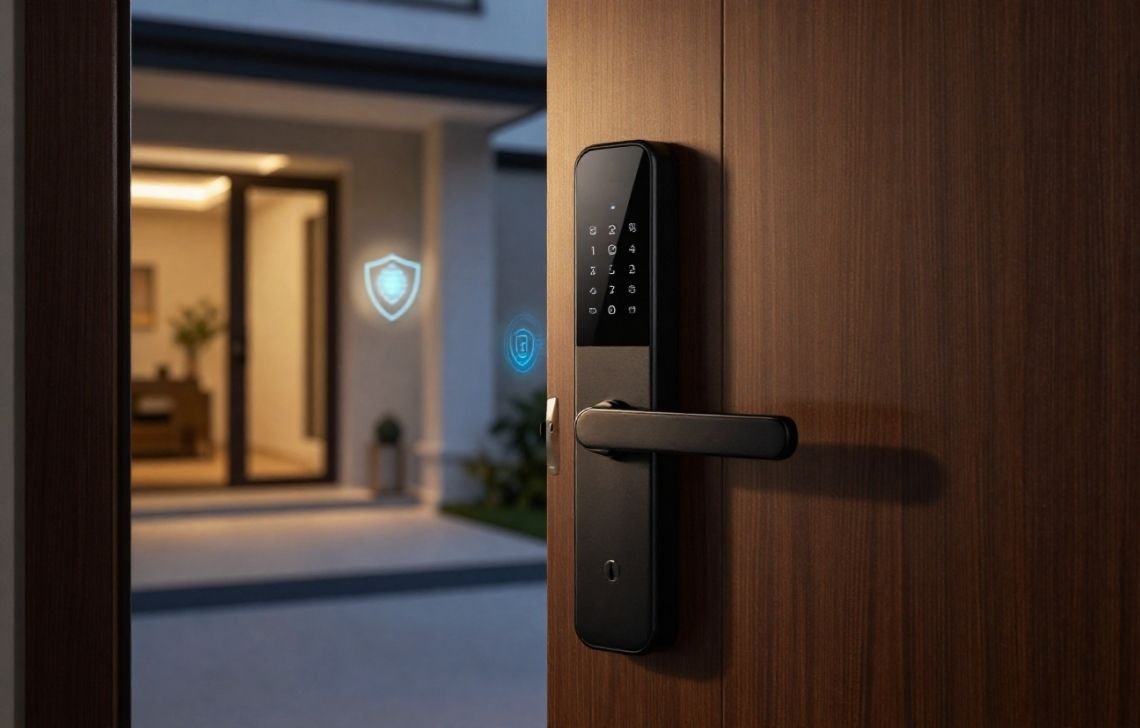
A quality smart lock is first and foremost a mechanical security device. Top-tier models are built to meet rigorous U.S. security standards, such as ANSI Grade 1 (the highest level of residential security). The “smart” designation refers to the electronic interface used to engage the reinforced deadbolt.
Depending on your security needs, these locks utilize various communication and authentication protocols:
- Bluetooth Locks: Best for local proximity; the door unlocks as your smartphone approaches.
- Wi-Fi-Enabled Locks: Connect directly to your home network for remote access, real-time alerts, and integration with wider smart home ecosystems.
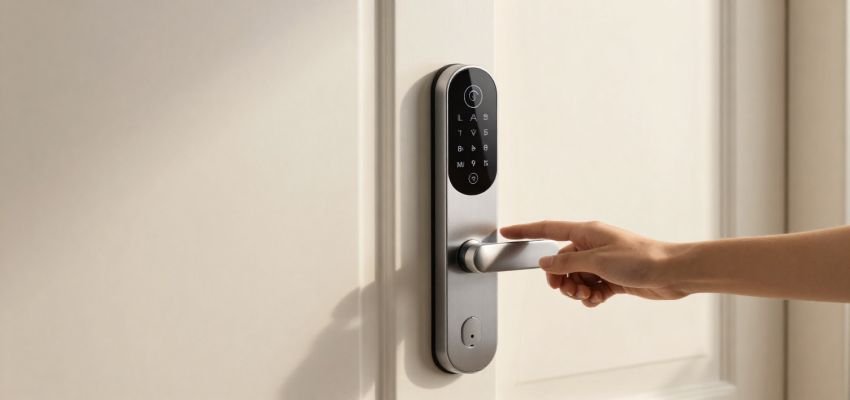
- Keypad/PIN Locks: Eliminate physical devices entirely by using unique numerical codes for entry.
- Biometric Locks: Use multi-sensor technology (such as the Quantum AI Face Door Lock or Palmtouch systems) to verify unique physical identities like fingerprints or facial geometry.
How Smart Door Locks Improve Security
As a security consultant, I often point out that smart locks solve the “human element” of security risks that traditional locks cannot address:
- Elimination of Physical Key Risks: There is no risk of losing a key that can be used by a stranger, and no risk of a guest making an unauthorized copy at a hardware store.
- Granular Access Control: You can issue unique, temporary, or scheduled codes. For example, a dog walker’s code might only work between 2:00 PM and 3:00 PM on weekdays.
- Real-Time Visibility: Through activity logs, you gain a clear audit trail. You are informed the moment your door is unlocked, providing unparalleled peace of mind.
- Automated Security Synergy: Smart locks can be programmed to “auto-lock” after a set period, ensuring your home is never left vulnerable due to a simple oversight.
Potential Risks vs. Mitigations
Understanding the risks is the first step toward securing your home. Most digital fears are easily addressed through proper habits and high-quality hardware.
Potential Risk | Professional Mitigation Strategy |
Cybersecurity/Hacking | Reputable brands use banking-level encryption (AES-128 or higher). Most break-ins are physical; criminals are far more likely to kick a door than attempt a sophisticated cyberattack. |
Weak User Credentials | Avoid simple PINs (like 1234). Enable Two-Factor Authentication (2FA) on all associated mobile apps to ensure only authorized users can manage the lock. |
Technical/Power Failure | Quality locks offer 6 to 8 months of battery life and send alerts weeks before they die. Models like the HM-TL03 include mechanical key backups and emergency USB-C power ports. |
Poor Installation | A misaligned lock can cause the motor to burn out or sensors to fail. Professional sensor calibration is required to ensure the deadbolt seats fully and securely every time. |
Smart Locks vs. Traditional Locks: Head-to-Head
Metric | Traditional Locks | Smart Door Locks |
Key Management | Physical keys (vulnerable to loss/theft) | Digital codes, biometrics, or phone app |
Access Tracking | None (No record of entry) | Real-time digital audit logs |
Reliability | Fully mechanical; always works | Battery-powered; works locally without Wi-Fi |
Physical Resistance | Dependent on deadbolt quality | Reinforced deadbolts; often ANSI Grade 1 or 2 |
Total Cost of Ownership | Lower upfront; high re-keying costs | Higher upfront; no re-keying costs |
Smart Locks in Real Life: Myths vs. Reality
- Myth: They stop working during power cuts. Reality: Smart locks are battery-powered and operate independently of the home’s electrical grid. If the internet goes down, keypad and biometric entry still function locally.
- Myth: Biometrics fail with wet hands or environmental changes. Reality: Modern multi-sensor technology accounts for seasonal temperature swings and moisture. High-quality sensors are designed to read through environmental variables when properly calibrated.
- Myth: Smart locks record your private conversations. Reality: Leading brands like USI prioritize privacy. Unless a camera is explicitly built into the hardware, these devices do not record audio or video.
- Myth: Digital hacking is the primary threat. Reality: Physical build quality is the true test. A smart lock with a reinforced deadbolt mechanism and solid metal construction is just as physically formidable as any high-end mechanical lock.
Actionable Guide: The Security Checklist
To ensure your smart lock is as secure as possible, follow this consultant-verified checklist:
- Professional Calibration: Ensure the lock is professionally installed to prevent false biometric readings and ensure the deadbolt is perfectly aligned with the strike plate.
- Secure the Network: Change your home Wi-Fi password to a complex string and ensure your router’s firmware is updated.
- Enable Two-Factor Authentication (2FA): Protect your mobile app account with an extra layer of digital security.
- Update Firmware Regularly: Manufacturers release updates to patch security vulnerabilities; never skip these.
- Set Auto-Lock: Configure the lock to engage automatically after 30 or 60 seconds to mitigate human error.
Audit Your User List: Periodically delete old guest codes or revoked access permissions.
Who Should Use Smart Locks?
- Families: Monitor when children arrive home from school via real-time mobile notifications.
- Renters & Landlords: Manage property access without the recurring expense of physical re-keying. Use audit logs to ensure maintenance staff only enter during scheduled times.
- Airbnb/Short-Term Hosts: Send encrypted, time-sensitive codes to guests that expire automatically upon check-out, eliminating the need for key exchanges.
- Businesses & Offices: Professional-grade locks like the Quantum AI Face Door Lock provide staff entry management and high-security access logs for sensitive areas.
Pros and Cons Summary
Pros | Cons |
Convenience: 100% key-free lifestyle. | Technology Dependence: Requires battery monitoring (though alerts are provided). |
Remote Control: Manage security from anywhere. | Initial Investment: Higher upfront cost than basic mechanical hardware. |
No Re-keying: Save money long-term by managing codes digitally. | User Error: Security is only as strong as your PIN or password. |
Enhanced Visibility: Know exactly who is in your home. | Maintenance: Requires occasional firmware updates and sensor cleaning. |
Final Verdict: Are Smart Door Locks Safe?
Smart door locks are an exceptionally safe and proactive upgrade for modern home security. Their true safety is derived from a synergy of Digital Security (encryption and 2FA), Physical Build (ANSI-certified deadbolt strength), and Quality Installation.
As a consultant, my final recommendation is this: Choose a reputable brand that uses sealed electronics to resist weather damage and ensure the unit is professionally calibrated. When installed correctly, a smart lock provides a level of control and visibility that a traditional key simply cannot match.
FAQs
What happens if the battery dies?
Most locks provide low-battery alerts for weeks. If they fail completely, you can use a mechanical backup key or an emergency power option—many models have a USB-C or 9V battery jump-start port on the exterior.
Can someone hack my fingerprint?
Highly unlikely. Modern biometric locks use multi-sensor technology and encrypted templates rather than simple images. This makes it extremely difficult to spoof a fingerprint or facial profile.
Do I need Wi-Fi for my smart lock to work?
No. While Wi-Fi is necessary for remote features (like unlocking the door from your office), local access via the keypad, fingerprint sensor, or Bluetooth works perfectly without an internet connection.
Is professional installation really necessary?
Yes. Professional installers ensure correct sensor calibration and physical alignment. Poorly aligned locks are prone to “binding,” which reduces security and shortens the motor’s lifespan.
Are they weather-resistant?
Quality smart locks are designed with sealed electronics to protect against moisture intrusion and function reliably through seasonal temperature swings and extreme weather.