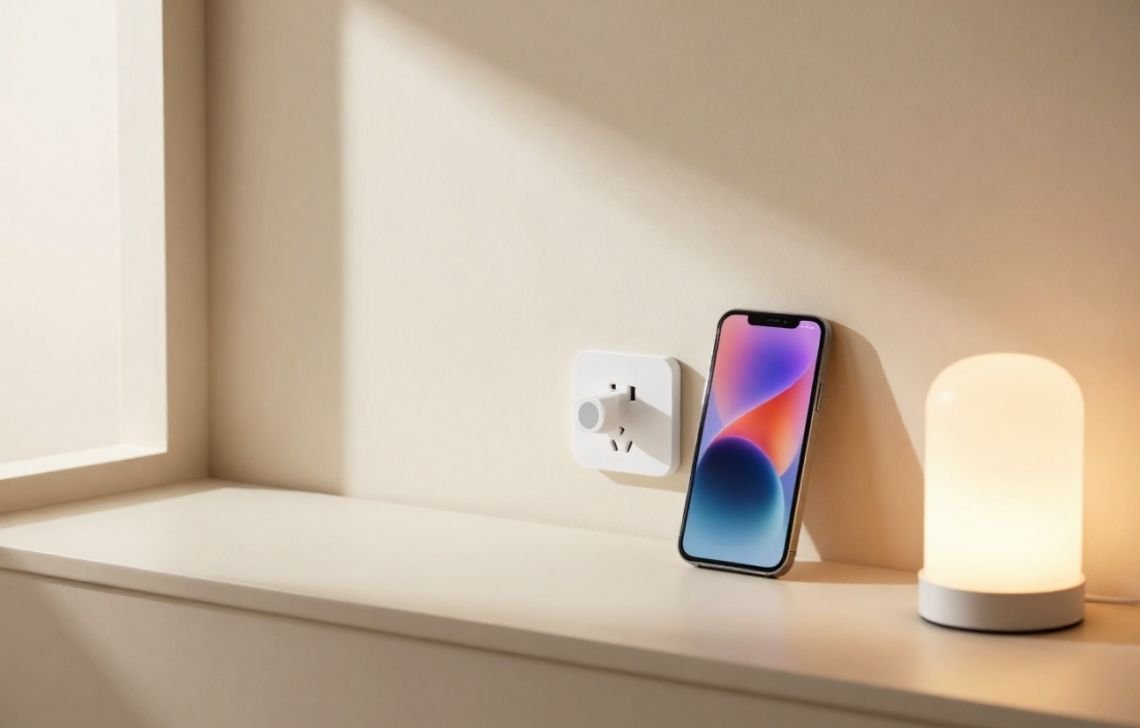
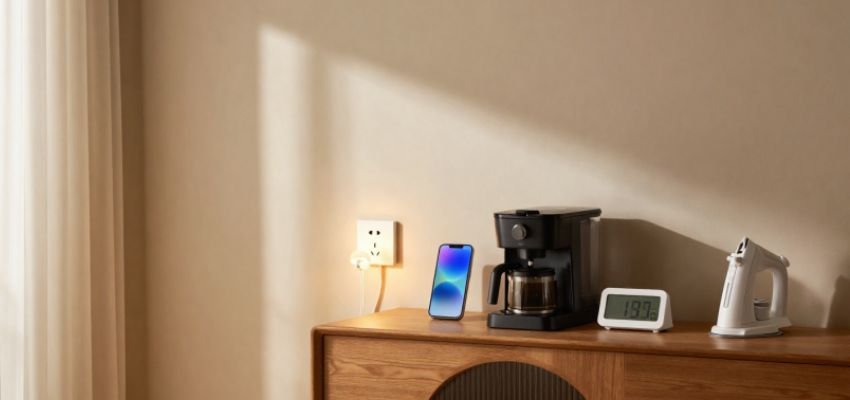
A smart plug is a WiFi-enabled socket that connects to your home network, allowing you to control electrical appliances remotely via smartphone apps or voice assistants. By acting as an intermediary between a standard wall outlet and your device, it manages power delivery through digital commands or pre-set schedules. For homeowners and beginners, these devices serve as the most affordable and effective entry point into home automation, offering immediate improvements in convenience, safety, and energy efficiency.
What Is a Smart Plug?
At its core, a smart plug is a sophisticated power controller that transforms “dumb” appliances into connected devices. While a traditional plug is a passive component that simply completes a circuit, a smart plug is an active participant in your home’s ecosystem.
To understand the value of this upgrade, consider the key differences:
- Connectivity: Traditional plugs are passive; smart plugs use WiFi, Bluetooth, or Zigbee to communicate with your network.
- Active Management: Traditional plugs require physical interaction; smart plugs offer remote control via apps, voice commands, or automated routines.
- Intelligence: Traditional plugs only deliver power; smart plugs can monitor real-time energy consumption and provide usage data.
As an integrator, I often describe the smart plug as a “digital bridge.” It sits physically between the wall outlet and the appliance’s power cord. By controlling the flow of electricity at this junction, it gives you software-level control over hardware that was never designed to be “smart.”
How Does a Smart Plug Work?
Smart plugs utilize various communication protocols to receive your commands. While WiFi is the standard for most beginners because it connects directly to your router, other protocols like Zigbee and Z-Wave are often used in larger setups; however, these require a dedicated smart hub to function.
Pro-Tip on Connectivity: Most smart plugs operate specifically on the 2.4GHz WiFi frequency. While 5GHz is faster, 2.4GHz has a much better range and can penetrate walls more effectively, which is critical for devices tucked behind furniture or in distant corners.
Beyond wireless networking, some specialized models (such as those from Amonics) include an inbuilt IR receiver. This allows for control via a dedicated physical remote—a lifesaver in “dead zones” where WiFi is unreliable or for guests who don’t have access to your home app.
The mechanism itself is straightforward: When you send a command via your smartphone app or a voice assistant like Alexa, the plug’s internal software triggers a physical relay. This relay either completes the circuit to allow power to flow or breaks it to cut power off.
Main Features of Smart Plugs
- Remote Control: Manage devices from anywhere in the world as long as you have an internet connection.
- Scheduling & Timers: Set specific routines, such as turning on a heater 30 minutes before you wake up or ensuring the coffee maker is ready at 7:00 AM.
- Energy Monitoring: High-quality models track real-time power consumption, helping you identify “energy vampires” in your home.
- Voice Control: Full integration with Amazon Alexa and Google Home for hands-free management.
- Automation & Shared Use: You can group devices (e.g., “All Living Room Lights”) or share access with family members and coworkers for collaborative control of a space.
What Are Smart Plugs Used For?
The versatility of a smart plug is limited only by your imagination. Based on common integration scenarios, here are the most effective uses:
- Lighting: Automate lamps and decorative holiday lights to manage ambiance and reduce waste.
- Kitchen Appliances: Prepare for your morning by automating kettles and coffee makers.
- Climate Control: Manage fans, air purifiers, and heaters. Note: High-wattage units like air conditioners and geysers (water heaters) must be used with specific heavy-duty plugs.
- Home Security: Use “Away Mode” to toggle lights on and off while traveling, simulating occupancy to discourage intruders.
- Industrial & Agricultural: Control printers and office equipment to save power after hours, or manage lighting and irrigation systems in greenhouses to maintain optimal growing conditions.
- Specialty Uses: Schedule electronic pet feeders or manage the charging cycles of tablets and smartphones to prevent battery degradation from overcharging.
Benefits of Using Smart Plugs
- Energy Efficiency: By remotely turning off devices that are operating unnecessarily, you eliminate “standby power drain”—the electricity devices use even when they are “off.”
- Unmatched Convenience: Simplify repetitive daily tasks through automation, allowing you to focus on more important activities.
- Improved Home Safety: If you have ever left the house wondering if the iron or a space heater is still on, a smart plug allows you to check and kill the power remotely, drastically reducing fire risks.
- Cost Savings: Lower your utility bills by scheduling heavy-draw appliances to run during off-peak hours and ensuring devices are truly powered down when not in use.
Types of Smart Plugs
Type | Best Use Case | Key Differentiator |
Standard WiFi | Lamps, TVs, small electronics. | No hub required; easiest setup. |
Heavy-Duty (16A) | ACs, Geysers (Water Heaters), heaters. | Built to handle high-wattage loads. |
IR-Compatible | Guest rooms or WiFi "dead zones." | Includes an IR remote for offline control. |
Smart Power Strip | Entertainment centers or workstations. | Independent control of multiple outlets. |
Mini Smart Plug | Tight spaces or stacked outlets. | Compact design; doesn't block adjacent plugs. |
Zigbee / Z-Wave | Advanced smart home ecosystems. | Requires a hub; highly reliable network. |
How to Set Up a Smart Plug
Setting up a smart plug is a “5-minute win” for any DIYer:
- Plug the device into a standard wall outlet.
- Download the mobile app specified by the manufacturer (iOS or Android).
- Connect to WiFi: Follow the app prompts to pair the plug with your 2.4GHz network.
- Pair with Voice Assistants: Link the manufacturer’s “skill” in your Alexa or Google Home app.
- Connect the Appliance: Plug your device in and ensure its physical power switch is set to “ON.”
Are Smart Plugs Safe to Use?
As an educator, I cannot overstate the importance of Load Capacity. Using the wrong plug for a high-power device is a safety hazard.
ELECTRICAL SAFETY WARNING:
- 6A Smart Plugs: Use only for small electronics like lamps, chargers, and TVs.
- 16A Smart Plugs: These are mandatory for high-load appliances like air conditioners, space heaters, and geysers (water heaters).
- Never exceed the rated amperage of the plug, and always ensure the plug is firmly seated in the outlet to prevent overheating.
Things to Consider Before Buying
- Amperage Rating: Match the plug to the device (6A for small, 16A for large).
- Ecosystem Compatibility: Ensure it works with your preferred assistant (Alexa, Google, or Siri).
- Connectivity Needs: Do you want a direct WiFi connection, or do you have a hub for Zigbee?
- Environment: Check if the plug is rated for indoor use or if it needs weatherproofing for garden or greenhouse irrigation systems.
Common Problems and Troubleshooting
- WiFi Connection Issues: Ensure your phone is on a 2.4GHz band during setup. If the signal is weak, consider a WiFi extender.
- Device Not Responding: The most common “rookie” mistake is the appliance’s physical switch being turned off. The appliance must be “On” for the smart plug to control the power flow.
- App Syncing: If the device shows “Offline,” power cycle the plug by unplugging it for 10 seconds and plugging it back in.
- Hard Reset: Most plugs can be factory reset by holding the physical power button for 5 to 10 seconds until the indicator light flashes rapidly.
Final Thoughts
Smart plugs are the single most effective way to begin your smart home journey. They offer a rare combination of affordability, ease of use, and immediate return on investment through energy savings and peace of mind. To get started, I recommend identifying one “problem area” in your home—perhaps a hard-to-reach lamp or a high-energy appliance—and installing a single plug. Once you experience the convenience of automated control, you’ll likely find a use for one in every room of the house.
FAQs
Do smart plugs use electricity when off?
Yes, they draw a tiny amount of “vampire” power (usually less than 1 watt) to keep the WiFi chip active. This is negligible compared to the energy they save by shutting down larger appliances.
Can smart plugs save money?
Absolutely. By using the scheduling feature to avoid peak energy rates and ensuring heaters or lights aren’t left on in empty rooms, the device typically pays for itself within a few months.
Do smart plugs work without Wi-Fi?
Standard WiFi models lose app and voice functionality without internet. However, specialty models like those from Amonics feature an inbuilt IR receiver, allowing you to use a physical remote even if your router is down.
Can smart plugs work with Alexa or Google Home?
Yes, most modern smart plugs are designed for these ecosystems, enabling seamless voice control.