
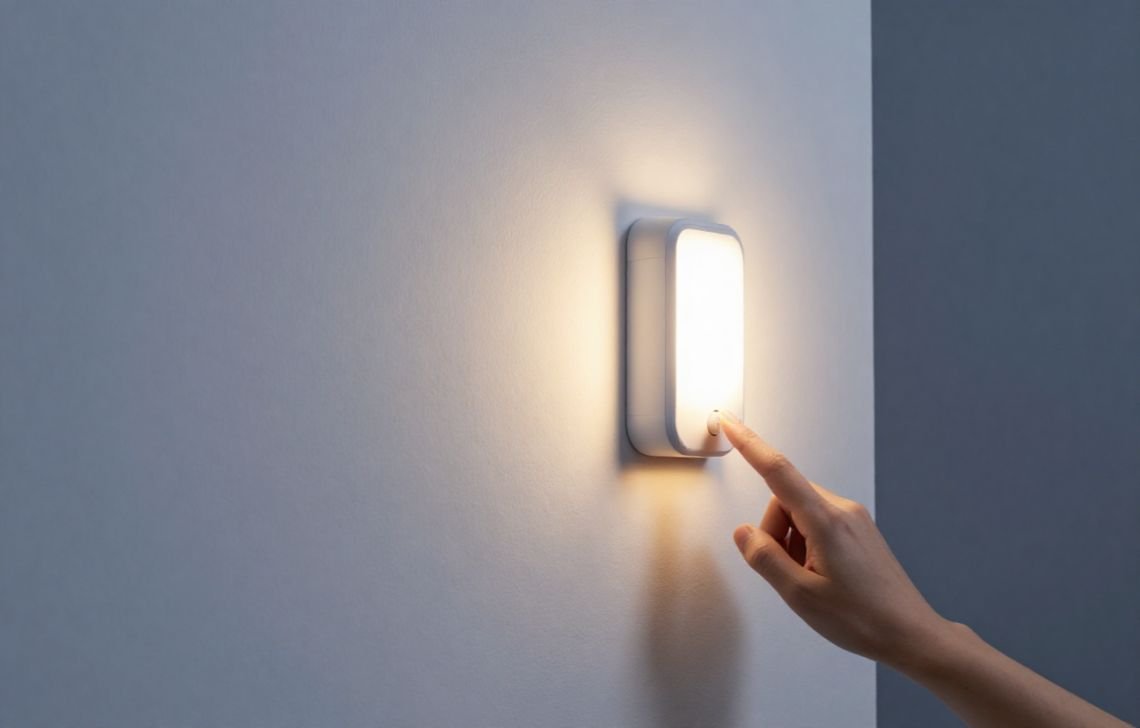
Most motion sensor lights can be reset by simply turning off the power source—at either the wall switch or the circuit breaker—for 30 to 60 seconds. This “power cycle” clears the sensor’s internal memory and restores the device to its default automatic settings.
Whether you installed your lights to deter late-night raccoons, ward off nosy neighbors, or just to carry groceries inside safely, these fixtures are essential for home security. However, they are sensitive electronic devices that can get “stuck” due to power surges, electrical “blinks,” or weather-related glitches. As a licensed electrician, I can tell you that a proper reset is almost always the first and most effective fix before you consider a full replacement.
Signs Your Motion Sensor Light Needs a Reset
It is very common for motion sensors to malfunction after a storm or a trip of the fuse box. You should attempt a reset if you encounter any of these specific symptoms:
- The light stays on permanently: The fixture remains illuminated even when there is no movement in the area.
- The light refuses to turn on: The sensor fails to trigger the light, even when you walk directly in front of it.
- Decreased sensitivity: The light no longer detects large objects, like vehicles or people, as consistently as it once did.
- Flickering or unpredictable behavior: The light behaves erratically following an electrical event or a power outage.
Why Motion Sensors Glitch: Understanding the Cause
Most modern security lights utilize PIR (Passive Infrared) technology. These sensors work by detecting heat signatures and movement; however, the electronics behind the PIR lens are highly sensitive to power fluctuations.
- Power Surges and Outages: Lightning or sudden outages can lock a sensor in the “on” position. Low-wattage fixtures, such as 30W LED floodlights, are particularly prone to shorting out if a significant power surge passes through the internal circuitry.
- Manual Override Glitches: Sometimes, a quick flicker in the local power grid can trick your light into “Manual Override” mode, causing it to stay on indefinitely. A manual reset is often the only way to exit this mode and return to “Auto.”
- Extreme Weather: Harsh winter temperatures can cause the PIR sensor to become sluggish or behave unpredictably during seasonal changes.
- Electrical Interference: High concentrations of wireless devices nearby can occasionally disrupt the sensor’s signal processing.
How to Reset a Motion Sensor Light: 4 Proven Methods
Before you call in a pro or replace the fixture, try these methods to recalibrate your sensor.
Method 1: The Power Cycle (Standard Reset)
This is the most common fix for a sensor that has “frozen” due to a minor glitch.
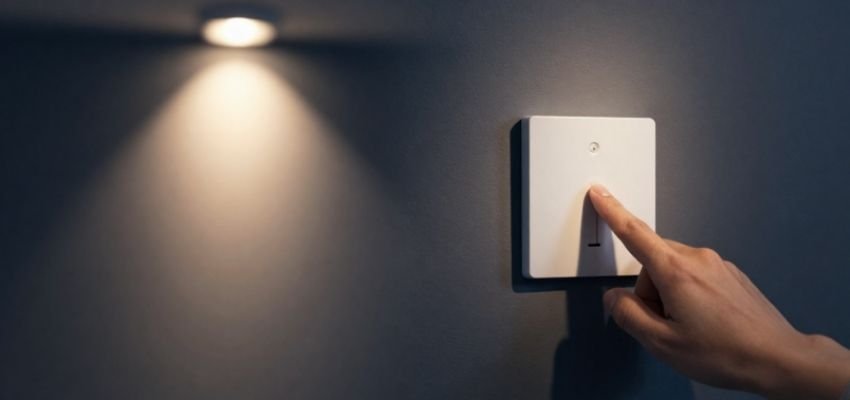
- Locate the wall switch that controls the fixture.
- Turn the switch OFF.
- Wait for 30 to 60 seconds. This allows the internal capacitor to discharge completely and clear the memory.
- Turn the switch back ON.
Method 2: The Circuit Breaker Reset
If the wall switch doesn’t do the trick, you may need a deeper reboot at the panel.
- Safety First: When at the electrical panel, ensure you aren’t standing in water. Use the “one-hand rule”—keep one hand in your pocket and use the other to flip the switch while standing to the side of the panel.
- Identify the breaker controlling the outdoor lighting circuit and flip it OFF.
- Wait for 1 to 2 minutes to ensure a full hardware reboot.
- Flip the breaker back to ON and test the light.
Method 3: Manual Override Toggle Sequences
Many lights can be toggled between “Auto” and “Always On” by flicking the switch. Because manufacturers program chips differently, you may need to try both of these common sequences:
- The 2-Second Rule: Turn the switch ON for 2 seconds, OFF for 2 seconds, and then back ON.
- The Rapid Toggle: Quickly flip the switch ON and OFF 4 to 5 times. If the light stays on, turn the switch OFF for a full minute, then turn it back ON to restore the “Auto” sensing function.
Method 4: Dial & Button Adjustments
If the electronic resets fail, check for physical recalibration options on the sensor head itself.
- Locate the “Range,” “Time,” or “Sensitivity” dials.
- Turn all dials to their minimum settings, wait ten seconds, and then turn them back to your preferred levels. This physical movement can sometimes “unstick” an internal component.
Troubleshooting Beyond the Reset
If a reset doesn’t restore function, it’s time to look at the hardware:
- Clean the Lens: Dust, cobwebs, and debris can obstruct the PIR sensor. On high-output units like 100W floodlights, dirt buildup can significantly “dull” the light’s output and sensor range. Use a soft cloth or compressed air to clear the lens.
- Check the Bulb: A burnt-out or loose bulb is a simple fix often mistaken for a sensor failure.
- Re-Aim the Sensor: For optimal coverage, mount the light 6 to 10 feet high and angle the sensor downward toward walkways rather than out toward the street (where passing cars will trigger it).
- Check the Mode: Ensure the unit hasn’t been accidentally bumped into “Test” mode.
When to Replace vs. Repair
As an electrician, I generally recommend replacement over repair if the unit shows these red flags:
- Age: The unit is over 10 years old (internal components wear out).
- Physical Damage: There is visible water inside the lens, a cracked housing, or missing seals.
- Frequent Tripping: If the light trips your circuit breaker repeatedly, it has a dangerous internal short.
- Persistent Issues: If you find yourself resetting the light every few days, the internal logic board is failing.
Essential Safety and Prevention Tips
- Weatherproofing Check: Periodically inspect the housing for cracks. Moisture is the number one enemy of outdoor electronics.
- Avoid Traffic: Don’t point sensors toward the street to prevent “false triggers” that shorten the life of your bulbs.
- Regular Cleaning: Make it a habit to wipe down the sensor lens twice a year to prevent debris buildup.
- Professional Warning: If you see exposed or frayed wires, or if you smell burning plastic, shut off the power at the breaker immediately and call a licensed professional.
Conclusion
The first line of defense for a “stuck” motion light is always a 30-second power cycle. By clearing the sensor’s memory, you can resolve the vast majority of glitches caused by surges or power flickers. Maintaining your home’s security doesn’t have to be expensive—regular cleaning, proper aiming, and the occasional reset are usually all you need to keep your property safe and bright.
FAQs
Does cold weather affect my motion light?
Yes. Extreme cold can make PIR sensors less responsive or cause them to take longer to reset, as they rely on detecting heat differences between an object and the background environment.
Why does my light turn on for no reason?
The sensitivity is likely set too high. It may be picking up moving tree branches, passing cars, or even small animals like raccoons. Try dialing back the “Sensitivity” or “Range” setting.
How long should the light stay on?
Most fixtures allow you to adjust the “Time” setting between 30 seconds and 10 minutes.
Can I use a motion light with a dimmer switch?
Generally, no. Most motion sensors are incompatible with dimmers or smart switches. This can cause the light to flicker or stay stuck in the “on” position.