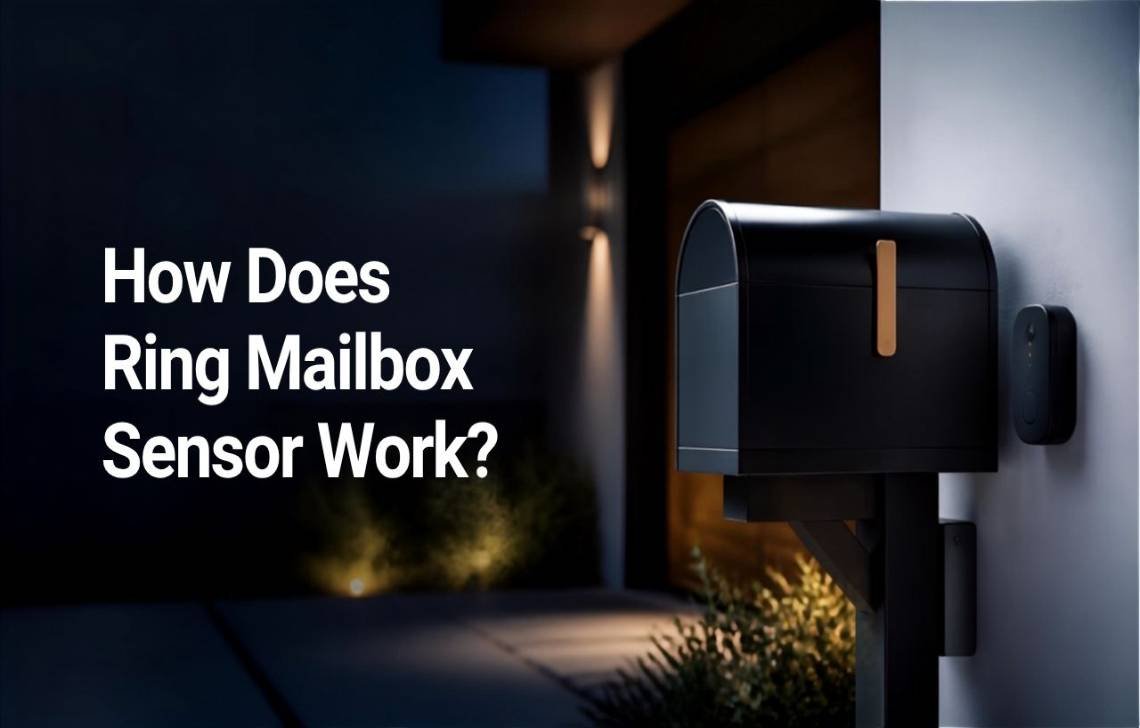
The Ring Mailbox Sensor utilizes a 900MHz long-range frequency and Amazon Sidewalk technology to send instant movement alerts to your smartphone or Alexa devices via a Ring Bridge. By operating on the 900MHz spectrum rather than standard Wi-Fi, the sensor can maintain a stable connection over significant distances, effectively securing the outermost perimeter of your property. This device fills a long-standing gap in home automation, providing a specialized solution for mail theft prevention and real-time delivery tracking.
What Is the Ring Mailbox Sensor?
The Ring Mailbox Sensor is a dedicated motion-detection device engineered specifically to monitor the physical opening and closing of a mailbox. While it was somewhat overshadowed at its launch by flashier tech like drone cameras, it remains a highly sought-after, customer-demanded product that addresses the “last mile” of home security.
Within the broader Ring ecosystem, this device serves as a perimeter trigger. It is designed for homeowners who require immediate intelligence on when sensitive documents arrive or when a mailbox is being tampered with. It acts as an anchor for “if-this-then-that” routines, allowing your mailbox to communicate with the rest of your smart home.
How Does the Ring Mailbox Sensor Work?
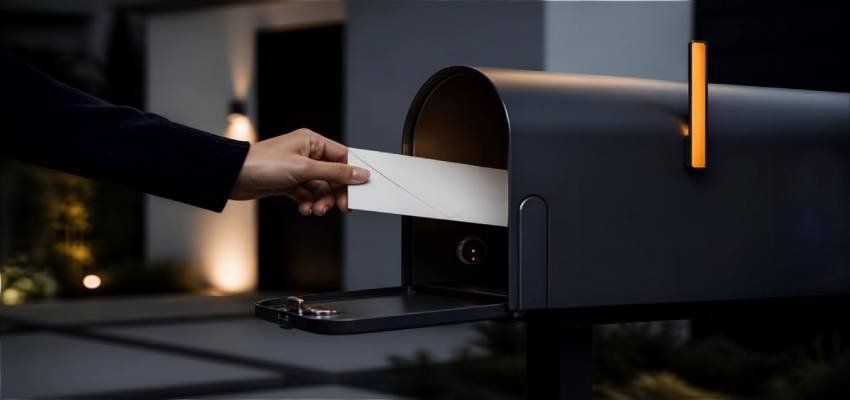
The fundamental principle of the sensor is mechanical detection; it triggers the moment the mailbox door is moved.
The Communication Path:
- Detection: The sensor identifies the physical movement of the mailbox door.
- Transmission: It sends a 900MHz signal to the Ring Bridge.
- Notification: The Bridge translates this signal for your home Wi-Fi, sending a push notification to the Ring App.
Beyond the digital alert, the sensor provides a physical deterrence factor. The device is designed to be mounted where the Ring logo is visible, serving as a visual warning to potential intruders that the mailbox is integrated into a professional security mesh.
The Technology Behind the Sensor: Amazon Sidewalk & 900MHz
To bridge the gap between the curb and the house, Ring utilizes a specialized technical infrastructure that moves beyond the limitations of Wi-Fi.
- 900MHz Long-Range Frequency: Standard Wi-Fi (2.4GHz or 5GHz) struggles with range and obstacle penetration. The 900MHz frequency is superior for this use case because it offers better signal penetration through soil and structures while consuming significantly less power.
- Amazon Sidewalk Infrastructure: This is a community-driven, low-bandwidth network. It leverages a software update sent to Echo devices (2017 and newer) and Ring cameras to create a shared mesh. By using your neighbors’ Sidewalk-enabled devices as secure gateways, the sensor can maintain a connection up to half a mile away from your home.
- The Ring Bridge Requirement: A Ring Bridge (approx. $50) is essential to unlock the sensor’s full utility. It acts as the “translator” between the 900MHz signal and your home’s internet connection. While some may attempt to use it in a limited standalone capacity, the Bridge is required for app notifications and ecosystem triggers.
How It Detects Mail Delivery & Triggers Actions
The sensor’s value lies in its ability to initiate complex security sequences the moment a mail carrier—or a stranger—interacts with your mailbox.
Notification & Automation Flow
- Trigger: The mailbox door is opened.
- Signal: A low-energy signal travels via the Sidewalk network to your Bridge.
- Alert: You receive a mobile notification and/or a voice announcement from Alexa.
- Action: Linked Ring devices execute pre-set commands.
Ecosystem Triggers: As an analyst, I recommend using the mailbox sensor as a “Welcome Home” trigger. You can program your Ring Smart Lights to turn on inside your hallway the moment you check your mail after work. Additionally, you can set your Ring Video Doorbell or outdoor cameras to begin recording the second the mailbox is opened, ensuring you have high-definition footage of every delivery.
Installation and Setup Process
- Mounting: Place the sensor inside or on the mailbox door. Ensure the logo is positioned to be visible to act as a deterrent.
- Bridge Configuration: Plug the Ring Bridge into an indoor outlet and pair it with the Ring App.
- Sensor Pairing: Select “Set Up a Device” in the app and scan the sensor’s QR code to link it to the Bridge.
- Signal Testing: Perform a “walk test” by opening the mailbox and checking the app for the notification delay.
Pro-Tip: For optimal signal strength, place the Ring Bridge near a window that has a clear line of sight to the mailbox. This minimizes the structural interference the 900MHz signal must penetrate.
Battery Life and Maintenance
Thanks to the low-power 900MHz technology, the sensor is built for longevity, often lasting months on a single set of batteries.
- Longevity Factors: Performance is primarily affected by the frequency of “trips” (how often the door is opened) and the distance to the nearest Sidewalk gateway.
- Monitoring: Battery health is reported in real-time within the Device Health section of the Ring App.
Common Issues and Troubleshooting
Problem | Fix |
Missed Alerts | Check the distance to the Bridge. Relocate the Bridge to a window closer to the mailbox. |
Connectivity Drops | Verify that Amazon Sidewalk is enabled in your Ring/Alexa settings and check Bridge power. |
False Notifications | Ensure the sensor is mounted securely; heavy winds or loose mailbox doors can cause false trips. |
Limitations of the Ring Mailbox Sensor
Users should be aware of two primary technical constraints:
- Signal Attenuation: Thick steel or heavy-duty metal mailboxes can act as a “Faraday cage,” blocking the signal. If you experience poor connectivity, try mounting the sensor on the exterior of the mailbox or near the plastic flag assembly to bypass the metal shielding.
- Sensor vs. Security: This is a sensor, not a lock. It provides intelligence but does not physically prevent theft. It should be used in conjunction with cameras for a complete security solution.
Is the Ring Mailbox Sensor Worth It?
The value proposition depends entirely on your existing hardware. At a 30 retail price**, it is an affordable add-on for current Ring users. However, for non-Ring users, the “true cost” of entry is closer to **80 when including the mandatory $50 Ring Bridge.
Pros:
- Highly effective long-range connectivity (up to 0.5 miles).
- Seamless integration with Ring cameras and Smart Lights.
- Utilizes the robust Amazon Sidewalk community mesh.
Cons:
- High cost of entry for new users (requires Bridge).
- Susceptible to signal attenuation in heavy metal mailboxes.
Conclusion & Actionable Advice
The Ring Mailbox Sensor is a sophisticated, low-power solution that effectively extends your smart home’s awareness to the curb. By utilizing 900MHz technology and the Sidewalk mesh, it provides reliability that standard Wi-Fi devices simply cannot match.
Final Advice: If you are already invested in the Ring ecosystem, this $30 sensor is a high-value investment. Link it to your outdoor cameras immediately upon setup to ensure that every mailbox interaction is backed by a video recording, providing both notification and evidence.
FAQs
Do I need a Ring Bridge for the mailbox sensor?
Yes. To receive notifications and link the sensor to other devices, the Bridge is required to translate the 900MHz signal into a Wi-Fi-compatible format.
What is the range of the Ring Mailbox Sensor?
It features a range of up to half a mile, supported by the Amazon Sidewalk network which utilizes neighboring Echo and Ring devices as signal relays.
Does it work with Alexa?
Yes. Alexa can be configured to announce “Your mail has arrived” through any Echo speaker.
Will it work inside a heavy metal mailbox?
Metal can degrade the signal. If the signal is weak, mounting the sensor on the outside of the box is the recommended fix.
How much does it cost?
The sensor retails for $30, while the required Ring Bridge is approximately $50.