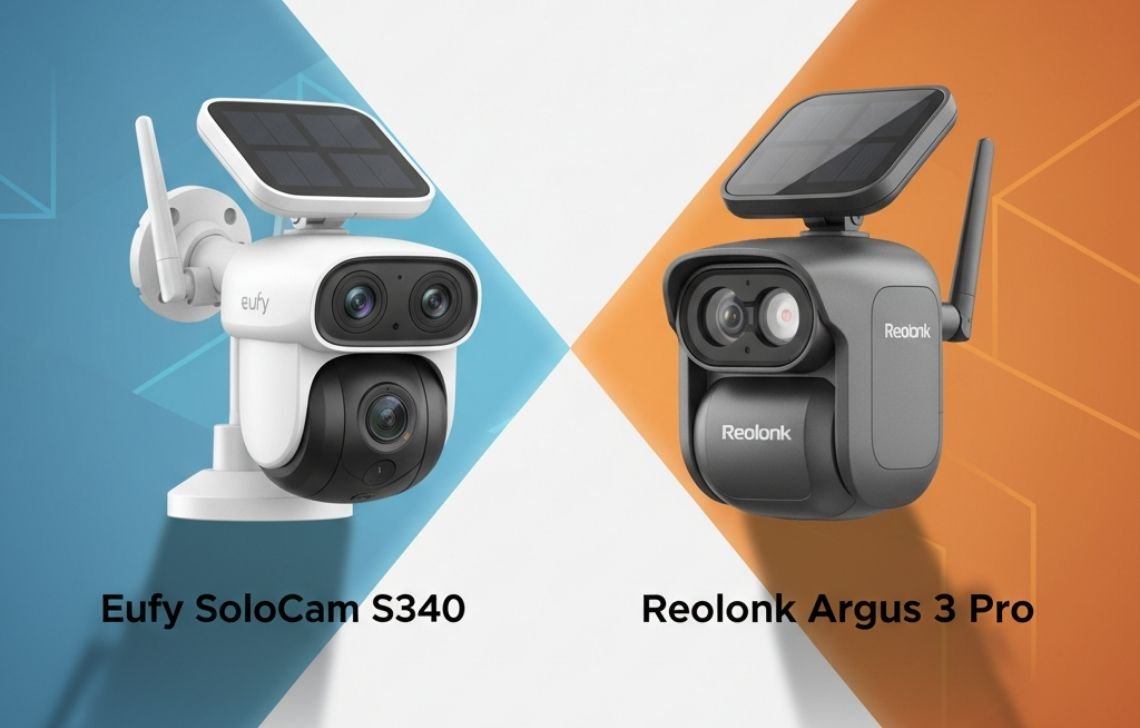
The Eufy SoloCam S340 is better for families seeking AI-driven facial recognition and 360-degree coverage in a single unit. However, the Reolink Argus 3 Pro is the superior choice for users prioritizing industrial durability, higher frame rates, and a lower entry price without a centralized hub.
By 2026, the shift away from recurring monthly fees is no longer a niche preference; it is the industry standard for privacy-conscious homeowners. This guide cuts through the marketing fluff to compare these two heavyweights based on real-world testing in Victorian-style environments—where heavy heritage brick and volatile weather patterns test the limits of consumer-grade hardware.
Eufy SoloCam S340 vs Reolink Argus 3 Pro Overview
Eufy behaves like a “UX Specialist,” focusing on a polished “smart appliance” feel. Reolink operates as a “Hardware Specialist,” prioritizing raw engineering specs and utilitarian reliability.
Best for Families & Beginners Eufy SoloCam S340: Ideal for those who want a “set and forget” system that knows the difference between a neighbor and a stranger.
Best for Budget-Conscious Techies Reolink Argus 3 Pro: Best for those who want high-bitrate, fluid motion and physical durability without paying for “lifestyle” aesthetics.
Key Technical Differences
Feature | Eufy SoloCam S340 | Reolink Argus 3 Pro |
Resolution | 3K Dual-Lens | 2K (4MP) |
Bitrate | ~4,000 kbps (Fixed) | Up to 10,000 kbps |
Frame Rate | 15 FPS | 15–25 FPS (Hardware Potential) |
Sensor Size | Standard Consumer | 1/2.49″ (Larger Optics) |
AI Capabilities | BionicMind™ (Facial ID) | Utility AI (Person/Vehicle/Pet) |
Primary Storage | HomeBase 3 Hub | On-device MicroSD |
Housing Material | Polycarbonate (Plastic) | Industrial-grade Composite/Metal |
Integrated Solar | Yes (Adjustable) | Optional (Separate Panel) |
Design & Build Quality
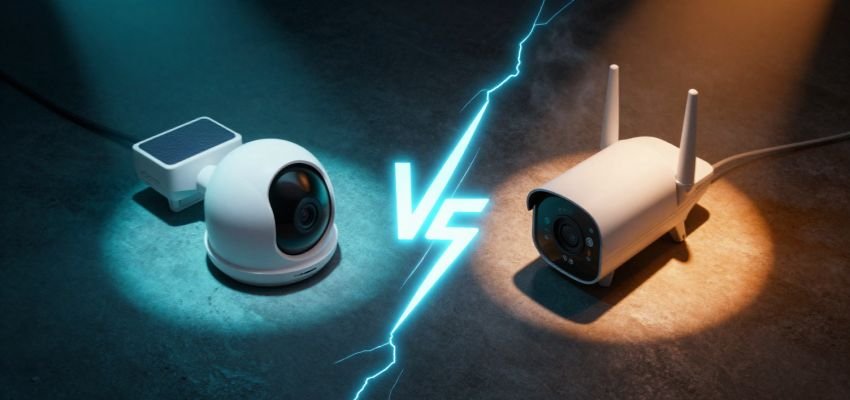
The Eufy S340 utilizes a dual-lens, pan-tilt design that offers a full 360-degree rotation. While impressive, its integrated solar panel creates a “single point of failure” design. If the battery or panel degrades, the entire $300+ unit becomes e-waste.
The Reolink Argus 3 Pro is a compact, fixed-lens unit. Its separate solar panel offers superior maintenance flexibility—if a cable breaks or a panel cracks during a Melbourne hail storm, you replace a $40 accessory, not the entire camera. Furthermore, Reolink’s housing acts as a more efficient heat sink. During a “Melbourne Heat Wave,” the Argus 3 Pro typically manages thermal stress better than Eufy’s plastic-heavy build, which can suffer accelerated battery degradation when exposed to north-facing afternoon sun.
Video Quality & Field of View
Don’t be distracted by Eufy’s “3K” label. Resolution is only half the story.
The Bitrate and Sensor Reality: The Reolink Argus 3 Pro uses a larger 1/2.49″ sensor, allowing for better native light intake. While Eufy relies on Software Interpolation (AI sharpening) to make images look crisp on a phone screen, Reolink provides a higher 10,000 kbps bitrate. This means when a subject moves quickly, Reolink has the data “headroom” to prevent pixelation, whereas Eufy’s aggressive compression can turn a running intruder into a blurry ghost.
The “Frame Rate Trap”: Eufy caps recordings at 15 FPS to preserve battery. This is fine for a delivery driver, but for forensic evidence, it’s “choppy.” Reolink’s hardware philosophy leans toward “Fluid Motion,” reaching up to 25 FPS, which is critical for identifying fast-moving details like tattoos or clothing logos.
Coverage: The S340 wins on raw coverage. Its pan-tilt motors allow it to track a person across a wide yard, effectively doing the work of two fixed cameras. The Argus 3 Pro is a “static” wide-angle observer; it’s reliable but has inherent blind spots.
Smart Features & AI Detection
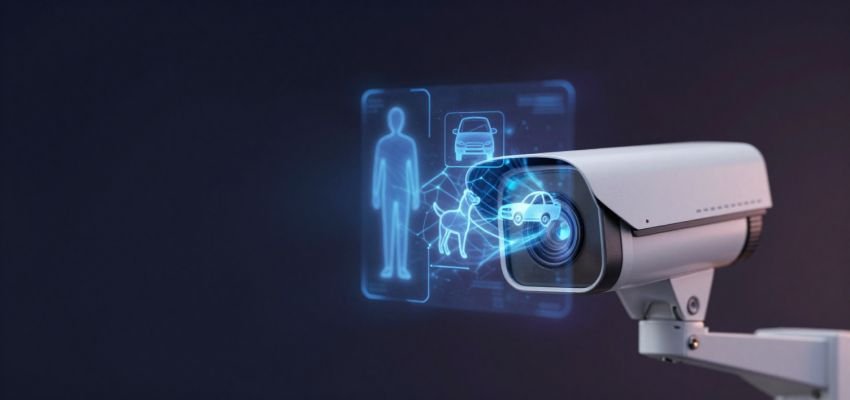
The choice here depends on whether you want to know who is there or what is there.
- Eufy BionicMind™: This system is optimized for the “Social Hub.” It learns faces and can ignore your partner while alerting you to the gardener. However, it can be “too smart”—it may occasionally ignore a person if they are partially obscured by foliage because they don’t match a “human gait.”
Reolink Utility AI: This is a “Security Perimeter” specialist. It is aggressive and catches almost everything that looks remotely human or vehicular. It lacks facial recognition but is world-class at filtering out “noise” like waving gum tree branches in a windy suburb.
Storage & No-Subscription Value
Both brands provide “Data Sovereignty,” keeping your footage out of the cloud.
- Eufy (Bridge Hub): The HomeBase 3 stores video indoors. If a thief steals the camera, your footage is safe inside the house.
- Reolink (Air-Gapped): Footage is stored on a MicroSD card inside the camera. It’s a simple, “offline” approach, but if the camera is snatched, the evidence goes with it.
True Cost Analysis Checklist:
- SD Cards: Reolink requires “Endurance Grade” cards (extra cost).
- NVR Potential: Only Reolink can easily scale to a 24/7 NVR for long-term storage.
- Hub Requirement: Eufy’s best AI features are locked behind the HomeBase 3.
Battery Life & Solar Charging
Eufy’s “Solar Infinity” panel is efficient but demanding. To maintain lithium health, Eufy panels require at least 2 hours of direct sunlight per day. In a gloomy Victorian winter, if the battery drops below 20%, Eufy often throttles AI scanning to save power, leaving you less protected.
Reolink’s separate panel allows you to mount the camera in the shade of an eave while placing the panel on the roof for maximum UV exposure. This placement flexibility is a major advantage for heritage homes with deep porches.
App Experience & Smart Home Integration
- Eufy App: A “Lifestyle” leader. It’s polished and fast, with “Rich Notifications” that show a thumbnail of a face directly on your lock screen.
- Reolink App: A “Professional” dashboard. It provides granular control over bitrates and network protocols but feels more like a technical tool than a consumer app.
- Ecosystem: Eufy supports HomeKit Secure Video (on select models), offering AES-128/256 bit encryption via Apple. Reolink is more “open,” supporting ONVIF/RTSP for those who want to use third-party software like Blue Iris.
Installation & Setup
Both are DIY-friendly, but beware the “Wi-Fi Bottle-Neck.”
In Melbourne’s heritage brick homes, high-resolution 3K/4K streams often struggle with Radio Frequency (RF) Saturation. If your camera is far from the router, the feed will lag significantly. I recommend a Mesh Wi-Fi system if you’re installing more than two wireless units.
Tools Required:
- Hammer drill with a masonry bit (for brick/stone).
- Phillips head screwdriver.
- Sturdy A-frame ladder.
- Smartphone with the app pre-downloaded for signal testing before drilling.
Pricing & Value for Money
The Argus 3 Pro is the budget king, often retailing for significantly less than the S340. However, the S340 is an “all-in-one” kit that saves you the cost of a separate solar panel and mount.
The “Disposable Camera” Warning: Battery cameras are short-term assets (4–5 years). Because the Eufy S340 has an integrated solar panel, when the internal battery eventually dies, the entire solar-mechanical assembly becomes e-waste. Reolink’s modular approach offers slightly better long-term ROI.
Insurance Note: Most Victorian insurers look for the “31 Days Insurance Standard” for premium discounts. Reolink’s ability to connect to an NVR for continuous 24/7 logging helps meet this professional standard, whereas Eufy’s event-based clips might not qualify.
Pros and Cons
Eufy SoloCam S340
- Pros: 360° subject tracking; BionicMind™ facial recognition; sleek all-in-one design.
- Cons: Aggressive 15 FPS motion blur; integrated battery/solar limits lifespan; event-based recording only.
Reolink Argus 3 Pro
- Pros: High-bitrate video (10,000 kbps); modular solar panel; industrial-grade durability; no hub required.
Cons: No facial recognition; fixed field of view; lacks a centralized “secure” indoor hub.
Which Camera Should You Choose?
- Scenario A: The Privacy-Focused Parent: Choose Eufy. Knowing that “Jackson is home” versus just “Person detected” is worth the price of entry.
- Scenario B: The Budget-Conscious Renter: Choose Reolink. It provides high-end 2K optics and can be moved from house to house with zero fuss.
- Scenario C: The High-Security Property: Choose Reolink (or their PoE range) for the higher frame rates and the ability to record 24/7 to an NVR, meeting Victorian insurance standards.
Final Verdict
The Winner: Eufy SoloCam S340 For most residential users, the Total Value and Ease of Use of the Eufy S340 wins. Its pan-tilt tracking and facial recognition solve the two biggest complaints in home security: blind spots and false alerts.
Buy the Eufy S340 if you want the smartest, most cohesive smart-home experience. Buy the Reolink Argus 3 Pro if you want a reliable, budget-friendly workhorse that prioritizes raw video data over AI bells and whistles.
FAQs
Do these cameras work during a power outage?
Yes. Both run on internal batteries. As long as they have a charge, they will record to their local storage (SD card or HomeBase) even if the power and Wi-Fi are down.
Can I use these without any internet?
Yes, but with caveats. They will record locally, but you won’t get any notifications or be able to check the live feed. Reolink is generally easier to set up as a “dark,” offline system.
How much footage can I store?
A 128GB SD card in a Reolink stores roughly 4-7 days of heavy motion events. A Eufy HomeBase 3 with a 1TB hard drive can store months of event-based clips.
Which camera handles extreme heat better?
Reolink. Their metal-reinforced housings act as a heat sink, whereas Eufy’s plastic shells can trap heat, stressing the internal lithium cells.
Is there a “hidden” cost?
Yes: Battery life. In 4–5 years, these units will likely need replacing as the non-removable batteries degrade. If you want a 10-year system, you must go with a hardwired PoE (Power over Ethernet) system.