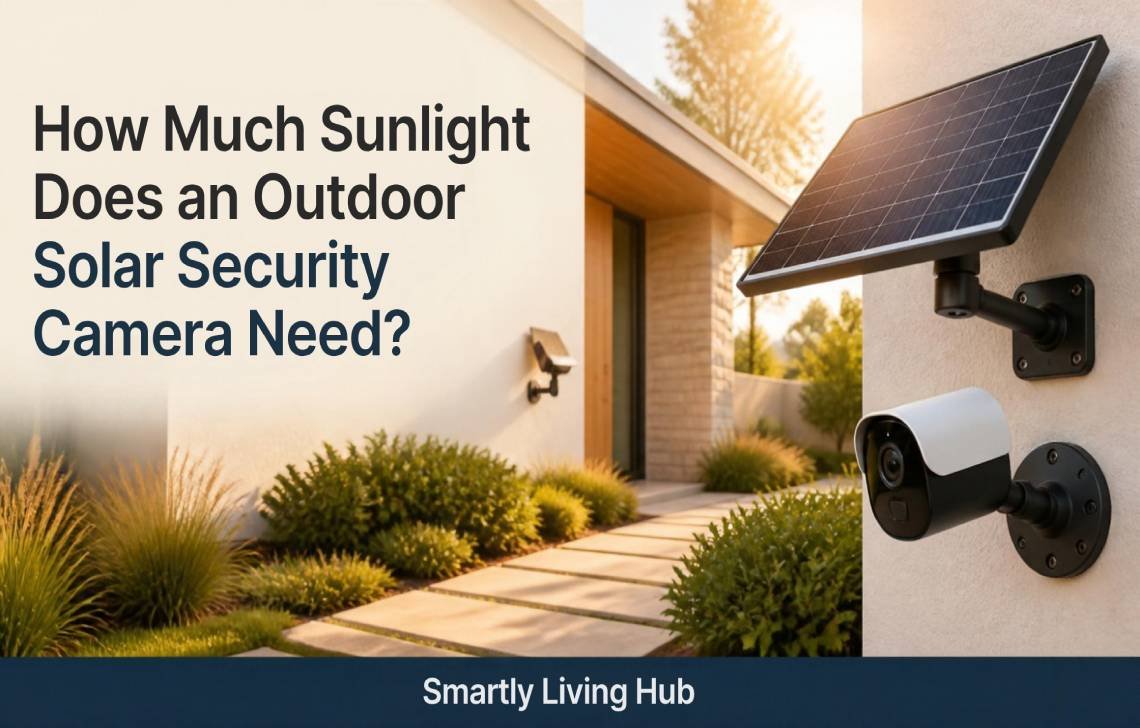
Most outdoor solar security cameras require 2 to 6 hours of direct sunlight per day to maintain continuous operation and keep batteries at a healthy state of charge. “Direct sunlight” specifically refers to Peak Sun Hours—the window (typically late morning to mid-afternoon) when solar radiation hits the panel at full strength—rather than just “daylight” or ambient brightness. Requirements vary significantly based on your camera’s battery capacity (e.g., 5,000mAh vs. 20,000mAh) and daily activity levels.
How Do Outdoor Solar Security Cameras Work?
As a security consultant, I often see homeowners mistake “daylight” for “charging power.” To understand why direct rays are essential, we must look at the hardware. If you’re also comparing solar-powered models with other subscription-free options, our guide to the best outdoor security cameras can help you understand the broader alternatives.
- Solar Panel Charging Process: Photovoltaic (PV) panels, typically outputting between 3 and 8 watts, convert photons into electrical current. High-efficiency monocrystalline cells can convert up to 22% of that light into energy, while lower-end panels struggle in anything less than perfect conditions.
- Battery Storage and Power Management: Lithium-ion batteries act as a chemical buffer. Because solar generation is intermittent, the battery stores energy to power the camera overnight or through a week of storms.
- Energy Transition: Modern systems manage power seamlessly. During peak sun, the camera runs directly on solar current while the surplus “tops off” the battery. When the sun sets or is obstructed, the system draws from the stored reserve.
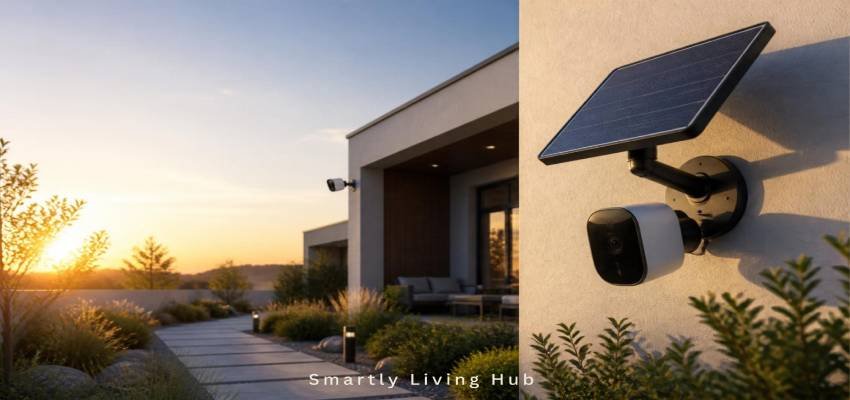
How Much Sunlight Does an Outdoor Solar Security Camera Need? (The Deep Dive)
While the 2 to 6 hour baseline is the industry standard, the quality of your installation spot dictates whether you meet that goal.
- Direct vs. Indirect Sunlight: Placing a panel in a shaded corner relies on ambient light. This results in a staggering 70–90% drop in power generation. If your panel doesn’t see the sun’s disc, it isn’t effectively charging.
- The Shading Penalty: Shading is non-linear. Due to the way solar cells are wired in series, even 10% shading (from a single branch or gutter edge) can reduce efficiency by 30–75%.
- Hardware Efficiency: Not all panels are equal. Models using ETFE (Ethylene Tetrafluoroethylene) coatings are more durable and capture light better at off-angles, sometimes requiring as little as 1 hour of sun daily.
Geographic Impact: Peak Sun Hours by City
The amount of sunlight available to you depends heavily on your latitude. The following table highlights why a “summer-only” test can be misleading.
City | Summer Peak Sun Hours/Day | Winter Peak Sun Hours/Day |
Phoenix, AZ | 7.0 | 5.5 |
Los Angeles, CA | 6.6 | 5.0 |
Dallas, TX | 6.3 | 4.5 |
Miami, FL | 5.3 | 5.6 |
New York, NY | 5.7 | 3.0 |
Minneapolis, MN | 6.3 | 3.0 |
Chicago, IL | 6.1 | 2.7 |
Seattle, WA | 6.3 | 1.8 |
What Affects Solar Camera Charging Performance?
- Geographic Location: As shown above, a Seattle winter provides less than a third of the energy of a Phoenix summer.
- Seasonality: The sun’s lower arc in winter means it may disappear behind a neighbor’s roofline that wasn’t an issue in July.
- Weather Conditions: Heavy overcast skies can reduce solar output by up to 90%.
- Panel Orientation: In the Northern Hemisphere, panels must face True South (True North in the Southern Hemisphere).
- Tilt Angle: For year-round optimization, tilt your panel to an angle equal to your home’s latitude.
- Buildup & Maintenance: Dust, pollen, and bird droppings create a “dirty window” effect, blocking photons from the cells.
- Battery Health: Lithium-ion cells naturally degrade over 1–3 years, losing their ability to hold a deep charge.
How Camera Usage Impacts Power Consumption
The more the camera works, the more sun it needs. Activity level is the biggest driver of energy “burn.”
Camera Activity vs. Power Impact
Activity Level | Description | Power Impact |
Low | Motion-triggered recording (~5 min/day) | Minimal |
Medium | Motion-triggered (~30–60 min/day) | Moderate |
High | Continuous recording or frequent live streaming | Critical |
Night Vision | ColorX technology (avoids IR spotlight draw) | Saves ~2Wh per hour |
Connectivity | Weak Wi-Fi signal (Dual-band Wi-Fi 6 is best) | High (Hidden Drain) |
Technical Nuance: A hidden battery killer is “airtime contention.” Older Wi-Fi standards or weak signals force the camera to stay “awake” longer to transmit data packets, burning extra power holding onto a struggling signal. Dual-band Wi-Fi 6 is more efficient, allowing the camera to transmit and return to sleep faster.
Best Placement for Maximum Solar Charging
- Choose a South-Facing Spot: This ensures the longest exposure to the sun’s daily arc.
- Avoid “Gutter Shadows”: Ensure the roof overhang doesn’t cast a shadow on the panel during the 11 AM to 2 PM window.
- Separate the Hardware: If your target area is shaded, use an extension cable (e.g., 4m/13ft) to mount the panel on a sunny roofline or fascia board while the camera stays in the shade.
Can Solar Security Cameras Work in Winter?
Solar cameras face a “Winter Penalty” that is both environmental and chemical.
The Chemical Penalty: Lithium-ion batteries rely on a liquid electrolyte. In freezing temperatures, the internal resistance within the electrolyte increases, making it harder for the battery to discharge and charge. At 0°F (-18°C), most batteries retain only about half their capacity.
The Solution: Choose high-capacity models like the Reolink Altas, which is rated down to -20°C and features a 20,000mAh battery. This massive buffer allows the camera to “coast” through weeks of low light and cold without failing.
Do Solar Cameras Work on Cloudy or Rainy Days?
Yes, but at a reduced capacity. The following table illustrates what to expect when the weather turns.
Condition vs. Charging Status
Condition | Effective Direct Sun | Expected Status |
Clear Summer Day | 5–7 Hours | Fully charges; builds reserve |
Partly Cloudy | 2–4 Hours | Maintains or charges slowly |
Overcast/Rainy | < 1 Hour | Draws from battery reserve |
Panel in Full Shade | Near Zero | Rapid battery drain; manual recharge needed |
A high-capacity battery can typically provide 2 to 7 days of backup power during total cloud cover.
Signs Your Solar Camera Isn’t Getting Enough Sunlight
If you notice these red flags, your site placement needs an audit:
- Battery never reaches a 100% state of charge in the app.
- Camera shuts down completely during the night.
- Frequent “Low Battery” push notifications.
- Laggy live-view or missed motion recordings during the early morning.
How to Improve Solar Charging Efficiency: The 3-Step Site Check
Before moving your hardware, use this professional site-audit method:
- Address Check: Use the PVWatts Calculator (or Global Solar Atlas for international users) to pull the monthly peak sun hours for your specific ZIP code. Look at the “worst-case” month (December).
- Solar Noon Check: Walk to your mounting spot at Solar Noon (roughly 12 PM – 1 PM). Look up; if you see eaves, tree canopies, or power lines, the spot is compromised.
- Worst-Case Planning: If your location gets under 1.5 peak hours in winter, you must either use an ultra-low-power configuration or upgrade to a higher-wattage 12W panel.
Common Mistakes to Avoid
- Mounting Under Eaves: This is the #1 cause of failure. Vertical rays are blocked for most of the day.
- Ignoring Seasonality: A spot that is sunny in July may be in total shade by November.
- Mounting Behind Glass: Even clear glass blocks the specific UV/light spectrum required for PV charging.
Outdoor Solar Security Camera Sunlight Requirement Comparison
Camera Model/Type | Min. Sun Needed | Battery Size | Key Advantage |
Reolink Altas | ~10 mins (motion) | 20,000mAh | 540-day standby; -20°C rating |
Reolink Argus 4 Pro | 2–4 Hours | 5,000mAh | ColorX energy savings |
Wyze Solar Cam Pan | ~1 Hour | Standard | High-efficiency ETFE panel |
Zetronix XS7 Pro | ~1 Hour | Integrated | 180-day backup duration |
Zetronix X10 Pro | < 0.5 Hour | Integrated | Ultra-efficient floodlight |
Conclusion
The golden rule for solar surveillance is a baseline of 2 to 6 hours of direct sunlight. However, the camera itself is only half the equation; your geographic location and local obstructions define your “energy budget.”
To ensure year-round protection, I recommend using tools like the PVWatts calculator to verify your spot’s winter potential. For maximum reliability, prioritize cameras with high-capacity batteries (15,000mAh+) and high-efficiency ETFE panels.
FAQs
Is 2 hours of sunlight enough?
Yes, for high-efficiency models or motion-activated cameras in low-traffic areas. However, for 24/7 reliability in winter, aim for more.
Does a solar panel charge on cloudy days?
Yes, but efficiency drops to 10–30% of normal output.
Can I use a larger solar panel?
Absolutely. Upgrading to a 12W panel is the best way to ensure a camera stays online in low-sun geographic areas like Seattle or Minneapolis.
How often should I clean the solar panel?
Every 3–6 months. A thin layer of dust can reduce output as much as a cloudy sky.