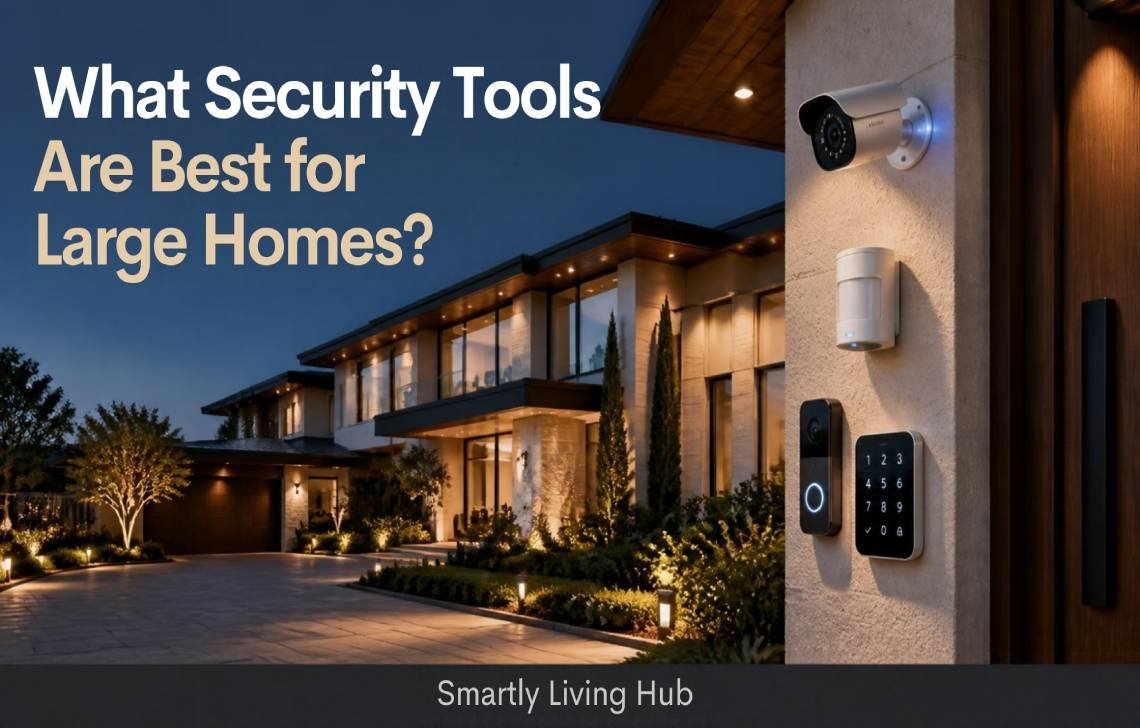
Protecting a large home requires more than installing a few security cameras. Multiple entrances, upper floors, garages, long driveways, and detached buildings can create coverage gaps that a basic security setup may not address.
The most useful security tools for large homes include outdoor security cameras, door and window sensors, motion detectors, smart locks, video doorbells, glass-break sensors, and a compatible alarm system. Smart lighting and reliable network coverage can strengthen the setup.
The right combination depends on your home’s layout, entry points, connectivity, budget, and whether you want professional monitoring or prefer to manage alerts yourself.
Quick Answer: Which Security Tools Help Protect Large Homes?
The most helpful tools are those that perform different jobs together: detecting entry, showing what is happening, alerting occupants, and making it easier to manage access.
These tools are complementary, not interchangeable. A camera may show someone approaching a door, but an entry sensor can notify you when that door opens. An alarm can generate an audible warning, while a smart lock helps manage authorized access.
1. Outdoor Security Cameras for Large Homes
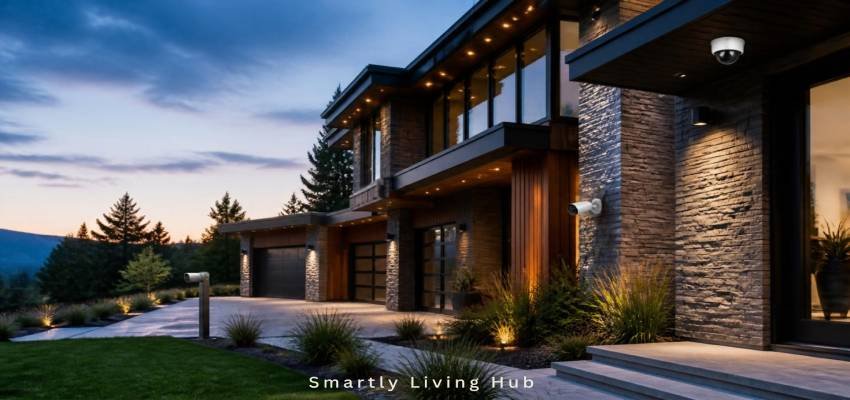
Outdoor cameras are particularly useful when a property has several approaches, a long driveway, a large backyard, or a detached garage. They can help you check activity around the property and review recorded footage when an event occurs.
Where should outdoor cameras be installed?
Prioritize locations based on visibility and access rather than buying a camera for every exterior wall.
- Front entrance: Monitor visitors and activity near the main door.
- Driveway: Capture approaching vehicles and activity near parked cars.
- Rear entrance: Cover a back door or patio entrance that is not visible from the street.
- Side paths and gates: Monitor routes that lead toward less visible entrances.
- Garage or workshop: Observe access points and important exterior approaches.
- Detached buildings: Consider separate connectivity and power requirements before choosing a camera.
Aim cameras at useful areas of activity, and check that walls, landscaping, vehicles, or porch structures do not block the intended view. If identifying a face or reading a vehicle plate matters, test the actual image at the relevant distance rather than relying on the camera’s advertised resolution alone.
For a property with a long driveway, one wide-angle camera may show the overall approach but fail to capture useful detail far away. A second camera with a more appropriate field of view may be more useful than simply buying a higher-resolution model.
Wired, wireless, or PoE cameras?
Power over Ethernet can be a practical option for larger properties where Wi-Fi coverage is unreliable or continuous recording is preferred. However, wired equipment also needs appropriate protection against power and network outages.
If you want to compare equipment, explore our guide to best outdoor security cameras without subscription. Check whether local recording, cloud storage, intelligent detection, and remote viewing are available without a paid plan, because subscription policies differ by model.
2. Door and Window Sensors
Door and window sensors are among the most useful components of a whole-home security setup. They monitor specific openings and can notify you when a protected door or window opens.
Unlike cameras, entry sensors do not need a clear view of a person. This makes them useful for entrances around corners, basement windows, and other access points where camera placement may be difficult.
Where should you install entry sensors?
Start with:
- Exterior doors, including rear and side entrances.
- Accessible ground-floor windows.
- Sliding glass doors.
- Basement doors and accessible basement windows.
- Doors connecting the house to an attached garage.
- Other openings identified during your property assessment.
A sensor does not necessarily need to be installed on every window. Prioritize accessible openings and locations where an alert would provide meaningful protection, then expand coverage according to your risk assessment and budget.
For compatible smart-home setups, our guide to the best door sensor for Home Assistant can help you explore available options. Verify the sensor’s communication protocol and compatibility with your existing hub before purchasing.
What should you check before buying?
Look at the sensor’s supported communication method, hub requirements, battery-replacement process, alert options, and installation instructions. Test it after installation to confirm that opening the protected door or window produces the expected alert.
3. Motion Sensors for Large Houses
Motion detectors can identify movement within a designated area. They provide another layer of detection when someone enters a monitored space, but they work differently from door and window sensors.
A motion detector may be helpful in a hallway connecting several rooms, an entry area, or another interior location that people would pass through when moving around the property.
Where do motion detectors work best?
Consider:
- Hallways connecting exterior entrances to living areas.
- Interior approaches to rooms containing valuables.
- Selected ground-floor areas that are unoccupied at night.
- Garages and workshops, provided the detector is suitable for the environment.
- Large shared spaces where one appropriately positioned detector can monitor a useful area.
Avoid placing detectors where pets, moving curtains, heating vents, direct sunlight, or other environmental conditions could trigger unwanted alerts. Actual sensitivity and pet-immunity performance depend on the device and installation.
In a large home, one motion detector may not cover an entire floor. Walls, furniture, room geometry, and the detector’s detection pattern all influence coverage.
Motion detection also does not identify every type of intrusion. A person might enter a room without triggering a poorly positioned sensor, so motion detectors should complement entry sensors and other protective measures rather than replace them.
4. A Smart Alarm System
A smart alarm system can bring multiple sensors and alerts together through a central hub or control panel. Depending on the system, it may support a siren, smartphone notifications, professional monitoring, smart-home automations, and backup connectivity.
For large properties, the ability to expand the system and organize its devices is often more important than the number of features advertised in a starter kit.
What makes an alarm system suitable for a large home?
Evaluate these factors before purchasing:
- Sensor capacity: Can the system support the number of devices your property needs?
- Communication range: Can the hub reach sensors on distant floors or in garages?
- Zone management: Can you protect selected areas while leaving other areas accessible to occupants?
- Monitoring options: Is self-monitoring available, or is a paid service required for certain features?
- Backup arrangements: Does the system have battery backup or cellular communication, and which functions continue during an outage?
- Expandability: Can you add compatible sensors, keypads, and other devices later?
A large house does not automatically require a professionally installed system. A DIY system may work well if its coverage, device capacity, and backup features match the property. Professional installation becomes more attractive when the home has complicated wiring, multiple buildings, extensive perimeter coverage, or difficult connectivity conditions.
Do not assume that an alarm system’s cellular backup keeps every camera online. Cellular communication may preserve alarm reporting while cameras, cloud recording, or other internet-dependent functions remain unavailable.
5. Smart Locks for Home Security
Smart locks help manage access to exterior doors through features such as keypad codes, app controls, automatic locking, or temporary access permissions. Available features vary by model.
They can be useful in large households where family members, cleaners, contractors, or other authorized visitors need access at different times.
What should you consider before choosing a smart lock?
- Compatibility with the existing deadbolt and door.
- Whether the lock uses a keypad, key, app, or another access method.
- Battery replacement and low-battery alerts.
- Local operation during an internet outage.
- Whether remote control requires Wi-Fi, a hub, or a subscription.
- How temporary codes and access permissions are managed.
- Whether the lock provides a suitable emergency-entry method.
A smart lock is not a substitute for a strong door, a suitable deadbolt, or entry sensors. It manages access but may not independently alert you whenever someone opens the door.
For more detail on an important ownership issue, read what happens if a smart lock battery dies before choosing a lock for a frequently used entrance.
6. Video Doorbells
A video doorbell combines visitor monitoring with a doorbell and, depending on the model, motion alerts, two-way audio, and video recording.
For a large home, it can be useful at the primary entrance or at another entrance where visitors regularly arrive. It may also help you check deliveries without opening the door.
What should you compare?
- Field of view and whether the camera captures the area immediately in front of the door.
- Wired versus battery-powered installation.
- Night visibility.
- Notification speed and motion-detection settings.
- Local versus cloud recording.
- Subscription requirements.
- Compatibility with your existing doorbell wiring and smart-home ecosystem.
A video doorbell is not designed to monitor the entire property. It should be one part of a wider security plan.
If recurring fees are a concern, compare options in our guide to best video doorbell without subscription. Check the current model’s terms carefully: a product may offer basic live viewing without a subscription while reserving some recording or detection features for a paid plan.
7. Glass-Break Sensors
Glass-break sensors are designed to detect sounds associated with breaking glass. They may be helpful in rooms with large windows, sliding glass doors, or other vulnerable glazed openings.
Their usefulness depends on the sensor’s detection technology, the room’s acoustics, installation instructions, and the presence of competing sounds.
When are glass-break sensors worth considering?
Consider them when:
- A room has several large glass openings.
- A sliding glass door is a priority entry point.
- Installing individual opening sensors on every pane or opening is impractical.
- You want another detection method alongside entry sensors and cameras.
A glass-break detector does not necessarily tell you which specific window has broken. It also cannot replace a contact sensor where you need to know that a particular door or window has opened.
Follow the manufacturer’s guidance for room size, placement, and the number of detectors required. Do not assume that a single sensor will reliably cover every window across multiple rooms.
8. Smart Security Lighting
Exterior lighting can improve visibility around entrances, pathways, garages, and other areas where people approach the property. Motion-activated lights can illuminate an area when movement is detected.
Lighting may also help cameras capture more useful footage in dark conditions, depending on the camera’s capabilities and the lighting arrangement.
Where is security lighting most useful?
Focus on:
- Front and rear entrances.
- Side paths and gates.
- Garage entrances and driveway approaches.
- Dark walkways between the house and detached buildings.
- Areas that need better visibility for occupants and visitors.
Choose fixtures suitable for outdoor conditions and position them to avoid shining directly into neighbors’ windows or creating glare for your cameras. If you use automated lighting, test its motion settings to reduce unwanted activation.
Smart lighting is a supporting measure, not a replacement for physical security, sensors, or an alarm system.
9. Backup Power and Reliable Connectivity
A large security setup may depend on several different systems: the alarm hub, Wi-Fi router, camera network, internet connection, and individual device batteries. A failure in one part can affect some functions without disabling everything.
What happens during an outage?
Battery backup, local recording, and cellular reporting are different features. Confirm exactly which functions continue working when the power or internet connection is lost.
For example, a camera with local storage may keep recording during an internet outage if it retains power and its recording function operates locally. That does not necessarily mean you can view the footage remotely during the outage.
10. How to Build a Whole-Home Security Plan
Instead of buying devices based on a generic recommended quantity, map the property first.
Step 1: Identify access points
Walk around the home and record all exterior doors, accessible windows, basement access, garage entrances, side gates, and detached buildings. Note which areas are hidden from ordinary views.
Step 2: Choose the right protection for each area
Use entry sensors where you need to know that a door or window has opened. Add cameras where visual monitoring is useful, and consider motion detectors for interior approaches. Use smart locks to manage authorized entry.
Step 3: Check communication and power
Test wireless signal strength at intended installation points. For distant buildings or difficult wall construction, investigate wired cameras, suitable network extensions, or a security system designed for the property’s layout.
Step 4: Decide how alerts will be handled
Choose between self-monitoring and professional monitoring based on your preferences and the available service. Decide who receives alerts, what happens when an alert is missed, and which devices should trigger an audible alarm.
Step 5: Plan for outages
Review backup power, cellular communication, and local recording. Understand which features require an active internet connection or subscription.
Step 6: Test the finished setup
Trigger each sensor, check camera views at day and night, confirm notifications, and test the alarm’s relevant operating modes. Repeat these checks after changing device locations, network equipment, or system settings.
11. Which Security Tools Should You Buy First?
The right priority depends on the property’s vulnerabilities rather than its square footage alone.
This is a planning framework, not a universal installation order. A property with a long, isolated driveway may benefit from outdoor visibility earlier, while a home with several accessible rear doors may need entry detection first.
How can you control costs?
- Buy devices for identified coverage gaps rather than for every room.
- Compare total costs, including hubs, installation, subscriptions, storage, and replacement batteries.
- Check compatibility before buying devices from different ecosystems.
- Consider local storage or wired cameras where they suit your needs and budget.
- Expand the system gradually, then retest the complete setup.
Avoid paying for features you will not use, but do not sacrifice essential coverage or reliable operation simply to reduce the initial purchase price.
12. Privacy and Security for Smart Home Devices
Connected security equipment introduces digital privacy considerations alongside physical security.
The Federal Trade Commission recommends steps such as securing your home router, using strong unique passwords, updating device software, and checking available security features. Read its guide to securing home security cameras before connecting cameras to your network.
For a large smart-home setup:
- Use unique passwords for security accounts and devices.
- Enable multifactor authentication where available.
- Keep camera, hub, router, and app software updated.
- Review who can view recordings and change device settings.
- Check whether video is stored locally, in the cloud, or in both places.
- Disable remote access features you do not need.
- Position cameras to respect the privacy of household members and neighbors.
The FTC also provides guidance on securing your home Wi-Fi network. A well-planned physical security system should be supported by sensible digital security practices.
Final Recommendation
The most useful security tools for large homes are not necessarily the most expensive or the most numerous. They are the devices that address real coverage gaps and work reliably together.
Start by identifying vulnerable entrances and outdoor approaches. Use entry sensors and an appropriate alarm system for detection, cameras where visual monitoring adds value, and smart locks where controlled access is useful. Add motion detection, glass-break sensors, and security lighting according to the property’s specific needs.
Before committing to a system, verify device compatibility, wireless coverage, backup arrangements, ongoing fees, and privacy controls. A carefully planned, tested setup is generally more useful than a collection of disconnected devices.
FAQs
What are the security tools helpful for large homes?
The most useful security tools include outdoor security cameras, door and window sensors, motion detectors, smart alarm systems, smart locks, video doorbells, glass-break sensors, and security lighting. The right combination depends on the property’s entrances, layout, outdoor areas, connectivity, and budget.
How do you secure a large house with multiple entrances?
Start by mapping every exterior door, accessible window, garage entrance, basement access point, and detached building. Use entry sensors and an alarm system to monitor selected openings, then add cameras where visual monitoring is useful. Test wireless coverage and verify that alerts reach the intended recipients.
How many security cameras does a large home need?
There is no universal number. The required number depends on the property’s layout, the areas that need monitoring, camera field of view, lighting, and obstructions. Prioritize important entrances and outdoor approaches, then add cameras where existing views leave meaningful gaps.
Are wireless security systems reliable for large homes?
They can be, provided the system’s communication range and device capacity suit the property. Thick walls, interference, and long distances can affect connectivity. Test each sensor at its intended location and consider compatible range extensions or wired connections where necessary.