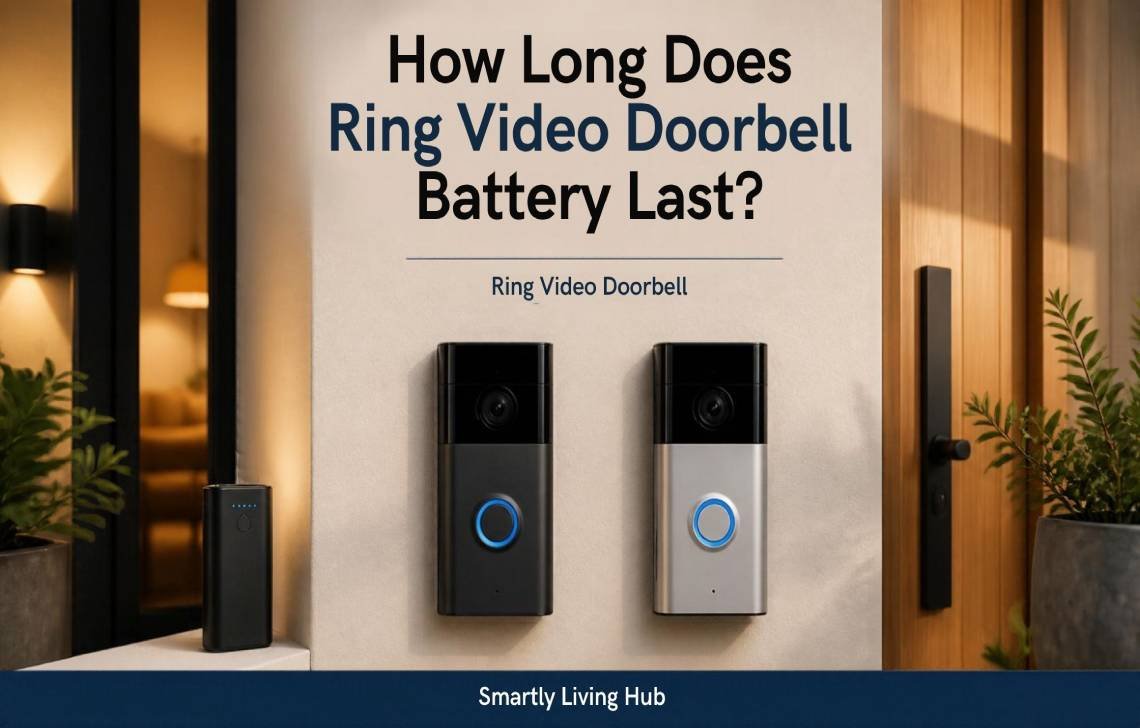
A Ring Video Doorbell battery typically lasts 6 to 12 months on a single charge under normal use, according to Ring. However, real-world battery life can be much shorter if your doorbell records frequent motion events, uses Live View often, has a weak Wi-Fi connection, or operates in extreme temperatures.
For most homeowners, the important question isn’t just the advertised battery life. It’s why one Ring Doorbell may last months while another needs charging every few weeks. This guide explains what affects battery life, how to find the cause of fast drainage, and what you can do to get more time between charges.
How Long Does a Ring Video Doorbell Battery Last?
If you’re wondering how long does Ring Video Doorbell battery last, Ring states that battery-powered Video Doorbells can typically run for 6 to 12 months between charges, depending on usage and operating conditions. That is a general range rather than a guarantee for every home.
Your actual battery life depends heavily on how much work the doorbell is doing.
For example, a Ring Doorbell facing a quiet front yard may record only a few motion events each day. A doorbell pointed toward a busy sidewalk, driveway, or street could detect people, cars, animals, and other movement throughout the day.
More activity means more recording, processing, Wi-Fi communication, and notifications—and therefore more battery consumption.
A practical way to think about Ring battery life
These aren’t guaranteed timeframes because Ring does not provide a universal number of months for each usage level. They are useful categories for understanding why two households can get very different results.
Important: If your Ring Doorbell is lasting only a few weeks, don’t immediately assume the battery is defective. Check motion activity, Wi-Fi strength, settings, and temperature first.
Ring Doorbell Battery Life: What Actually Affects It?
The biggest factor is how often the device has to wake up, record, process an event, and communicate over Wi-Fi.
Ring specifically identifies motion events, Live View, linked events, poor Wi-Fi, cold weather, and battery age as factors that can increase battery drain.
Motion activity
Frequent motion detection is one of the easiest ways to shorten battery life.
Imagine your doorbell is installed above a driveway that leads directly to a busy road. Every passing vehicle may trigger activity. Even if nobody approaches your front door, the camera can still be processing repeated events.
If you have this problem, adjust your Motion Zones so the camera concentrates on areas that actually matter.
Live View
Opening Live View repeatedly can also use more power.
Checking your front door occasionally is normal. But if you frequently open the Ring app to watch the camera for several minutes at a time, don’t expect the same battery life as someone who rarely uses Live View.
Wi-Fi signal strength
A weak Wi-Fi connection can cause the doorbell to repeatedly lose and reconnect to the network. Ring says this can contribute to faster battery drain.
If your battery suddenly started draining faster after a router change or Wi-Fi problem, check the device’s connection strength in the Ring app before replacing the battery.
Temperature
Temperature can have a noticeable effect on rechargeable batteries.
Ring says its devices perform optimally around 25°C (77°F) and that battery life can be reduced in extreme temperatures. Cold weather can shorten battery life, while prolonged exposure to excessive heat can negatively affect the battery’s overall lifetime.
Direct sunlight can also heat the device considerably, especially when it is mounted on a dark exterior wall.
Battery age
Rechargeable batteries don’t maintain their original performance forever.
If an older Ring Doorbell once lasted several months but now drops from full to nearly empty within a short period, battery aging may be part of the problem. Ring also recommends trying another battery when appropriate to help determine whether the battery itself is the issue.
Which Ring Doorbell Should You Choose If Battery Life Matters?
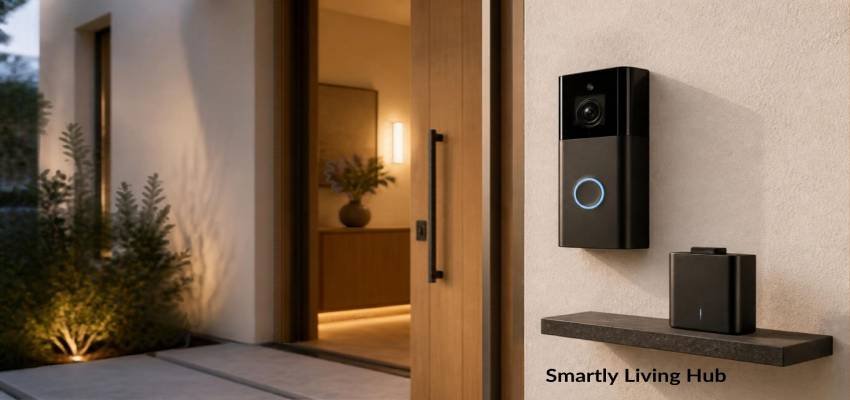
If you’re replacing an older model or buying your first battery-powered doorbell, don’t look at battery life alone. Consider how frequently you expect to charge it, whether the battery is removable, your home’s Wi-Fi strength, and how busy the area around your front door is.
If you’re comparing different models before buying, our guide to best video doorbell options can help you compare other important features alongside battery considerations.
A removable battery can also make ownership easier because you can keep a charged spare available rather than leaving the doorbell offline while charging.
Why Is My Ring Doorbell Battery Draining So Fast?
If you’re charging your Ring Doorbell every few weeks, work through these checks before buying a replacement battery.
1. Check how many motion events you're getting
Open the Ring app and look at recent activity.
If the camera is detecting dozens or hundreds of events, you may have found the main reason for the short battery life.
Look for triggers such as:
- Passing cars
- Pedestrians
- Pets
- Trees or bushes moving in the wind
- Neighbors walking through the camera’s view
- Activity on a shared driveway
- A busy street near your home
2. Narrow the Motion Zones
You don’t necessarily need to monitor every part of the camera’s field of view.
For example, if your front door is on the right side of the camera view but a busy sidewalk occupies the left side, exclude the sidewalk if it isn’t important to your security.
This can reduce unnecessary motion events without disabling motion detection completely.
3. Check your Wi-Fi connection
Ring recommends checking the RSSI value in Device Health when troubleshooting connectivity. A weak signal can contribute to faster battery drain because the device may repeatedly disconnect and reconnect.
If the signal is poor, consider improving Wi-Fi coverage near the front door rather than simply replacing the battery.
If you recently changed your router or are dealing with a weak connection, see our guide on how to change Wi-Fi on a Ring Video Doorbell for step-by-step instructions.
4. Look at how often you're using Live View
If you frequently watch the camera manually, reduce unnecessary Live View sessions.
For example, checking Live View several times every day to see whether a package arrived can consume more power than simply responding to a motion notification when necessary.
5. Consider the weather
If battery performance changed during a particularly cold or hot period, temperature may be contributing to the problem.
Avoid installing the doorbell where it receives prolonged direct sunlight if another suitable mounting position is available.
How to Check Your Ring Doorbell Battery Level
You don’t have to wait until the battery is nearly empty.
Ring’s current instructions say you can check the battery level through the Ring app:
- Open the Ring app.
- Tap the menu icon.
- Select Device Settings.
- Open Device Health.
- Look under Power for the battery level.
Ring also provides low-battery warnings, so keeping notifications enabled can help you avoid an unexpected dead doorbell.
A useful habit
If your Ring Doorbell normally lasts several months, check its battery level periodically rather than checking it every day.
If you notice a sudden change—for example, the battery falls much faster than it did previously—investigate the cause instead of assuming normal battery wear.
How Often Should You Charge a Ring Video Doorbell?
If you’re asking how long does Ring Video Doorbell battery last in real-world use, there isn’t one correct charging schedule for every Ring Doorbell. A low-traffic home may go for months between charges, while a doorbell facing a busy street may require charging much more frequently.
The best approach is to use your own battery history as a baseline.
For example:
- If it normally lasts 5 months, a sudden drop to 3 weeks deserves investigation.
- If it has always lasted only 4–6 weeks because of heavy activity, reducing unnecessary motion events may help.
- If the battery has become significantly worse after years of use, battery aging becomes more likely.
Don’t wait for the battery to reach 0% if you know charging takes a long time and you don’t have a spare.
How to Charge a Ring Video Doorbell Battery
Charging depends on the Ring model.
Some Ring Doorbells use a removable Quick Release Battery Pack, while other models have a built-in battery that is charged while the doorbell is mounted or after removing the device.
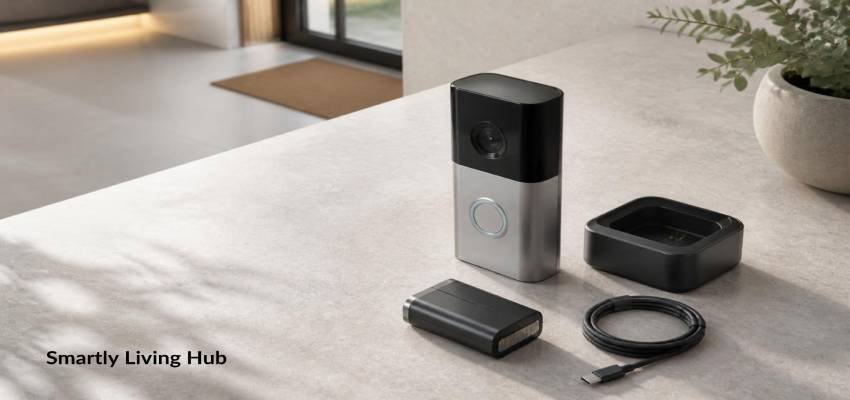
For compatible removable batteries, Ring instructs users to remove the battery, connect the included charging cable, and charge it until the indicator shows it is fully charged.
Ring says a battery can take up to about 10 hours to fully charge, depending on the device and charging setup. For model-specific charging steps and battery removal instructions, see Ring’s official Video Doorbell charging guide before removing or charging your battery. Another Ring FAQ gives a typical range of around 5–10 hours depending on whether the cable is connected to a USB port or wall outlet.
Avoid this common mistake
Don’t assume every Ring Doorbell uses the same battery-removal process.
Before removing your doorbell, identify your exact model and follow its instructions. Ring provides model-specific manuals and charging instructions.
How to Make Your Ring Doorbell Battery Last Longer
If you want fewer charging sessions, start with the changes that reduce unnecessary activity.
1. Reduce unnecessary motion detection
Adjust your Motion Zones so you aren’t constantly recording activity that doesn’t matter.
2. Lower motion sensitivity when appropriate
If your camera is triggering constantly, reducing motion sensitivity can help reduce unnecessary events.
3. Change Motion Frequency
Ring recommends adjusting Motion Frequency to Regularly or Periodically when troubleshooting battery performance.
4. Point the camera away from busy areas
If possible, avoid aiming the motion-detection area directly toward a busy road or sidewalk.
5. Reduce unnecessary Live View sessions
Use Live View when you need it rather than leaving the camera open for long periods.
6. Improve Wi-Fi coverage
A stronger connection can help prevent the repeated disconnect/reconnect behavior associated with poor Wi-Fi.
7. Protect the doorbell from extreme conditions
Where practical, choose a shaded installation location and avoid prolonged exposure to extreme heat.
8. Keep a spare battery if your model supports one
A spare battery can eliminate much of the downtime associated with charging. Instead of removing the doorbell and waiting several hours, you can swap the depleted battery with a charged one.
How Long Does a Ring Doorbell Battery Take to Charge?
A full charge can take several hours.
Ring currently states that the battery can take up to 10 hours to fully charge, while its FAQ describes approximately 5–10 hours, depending on the charging method.
Charging time can also vary depending on the specific Ring model, battery condition, charger, and power source.
If the battery suddenly takes much longer to charge than it used to, check the charging cable and power source before assuming the battery has failed. Ring recommends trying another cable and verifying that the outlet is working when troubleshooting charging problems.
Can You Stop Charging Your Ring Doorbell So Often?
Yes. If frequent charging is becoming inconvenient, you have several options depending on your model and installation.
Use a spare battery
This is one of the simplest solutions for compatible Ring Doorbells with removable batteries.
Use solar charging
Compatible Ring Doorbells can use a Ring solar accessory to provide ongoing charging assistance. Solar performance depends on sunlight and installation conditions, so it shouldn’t be treated as unlimited power in every location.
Hardwire the doorbell
Compatible battery-powered Ring Doorbells can be connected to suitable existing wiring or a compatible power source to provide a trickle charge.
If you’re working with electrical wiring, follow Ring’s safety instructions and local electrical requirements. Don’t connect a doorbell to an unknown or incompatible power supply.
For more information about how smart doorbells work and the different power options available, see Ring’s official video doorbell guide.
When Should You Replace a Ring Doorbell Battery?
A battery that drains quickly isn’t automatically a battery that needs replacing.
First check:
- Motion activity
- Motion Zones
- Live View usage
- Wi-Fi strength
- Weather conditions
- Charging cable and power source
- Battery age
If you’ve eliminated those causes and the battery still loses charge unusually quickly, battery degradation becomes a stronger possibility.
A useful comparison is another compatible battery. Ring specifically suggests trying a second battery when troubleshooting battery performance.
If the second battery performs normally, the original battery is a much more likely source of the problem.
Final Verdict
A Ring Video Doorbell battery is designed to last months rather than weeks, with Ring giving a typical 6–12 month range under normal use. But the number on the box isn’t what determines how often you’ll actually charge it.
The biggest practical factors are how much motion the camera detects, how often you use Live View, Wi-Fi strength, temperature, and battery age.
If your Ring battery is draining unusually fast, don’t replace it immediately. Check your motion activity, adjust the detection area, verify the Wi-Fi connection, and consider the weather first. In many cases, reducing unnecessary activity can make a bigger difference than simply buying another battery.
FAQs
How long does a Ring Video Doorbell battery last?
Ring says battery-powered Video Doorbells typically last 6 to 12 months between charges under normal use. Actual runtime varies with motion activity, Live View usage, Wi-Fi conditions, temperature, and other operating factors.
Why does my Ring Doorbell battery only last a few weeks?
Heavy motion activity, frequent Live View use, weak Wi-Fi, cold temperatures, and an aging battery can all contribute to faster drainage. Start by checking recent motion activity and the device’s Wi-Fi signal before replacing the battery.
Does cold weather drain a Ring Doorbell battery faster?
Yes. Ring says rechargeable batteries can drain faster in cold weather. It also recommends monitoring devices in extreme temperatures because very hot or cold conditions can affect battery performance.
How long does it take to charge a Ring Doorbell battery?
Depending on the model and charging setup, charging can take several hours. Ring says a battery can take up to about 10 hours to fully charge, while its FAQ gives an approximate 5–10 hour range.
Does weak Wi-Fi affect Ring Doorbell battery life?
It can. Ring says a weak Wi-Fi connection can cause a device to repeatedly disconnect and reconnect, which can increase battery consumption. Check the RSSI value in the Ring app’s Device Health section if you’re experiencing unusually fast drainage.
How can I make my Ring Doorbell battery last longer?
Start by reducing unnecessary motion events, narrowing Motion Zones, adjusting motion frequency, limiting unnecessary Live View use, improving Wi-Fi coverage, and protecting the doorbell from extreme temperatures. Ring recommends several of these steps in its battery troubleshooting guidance.