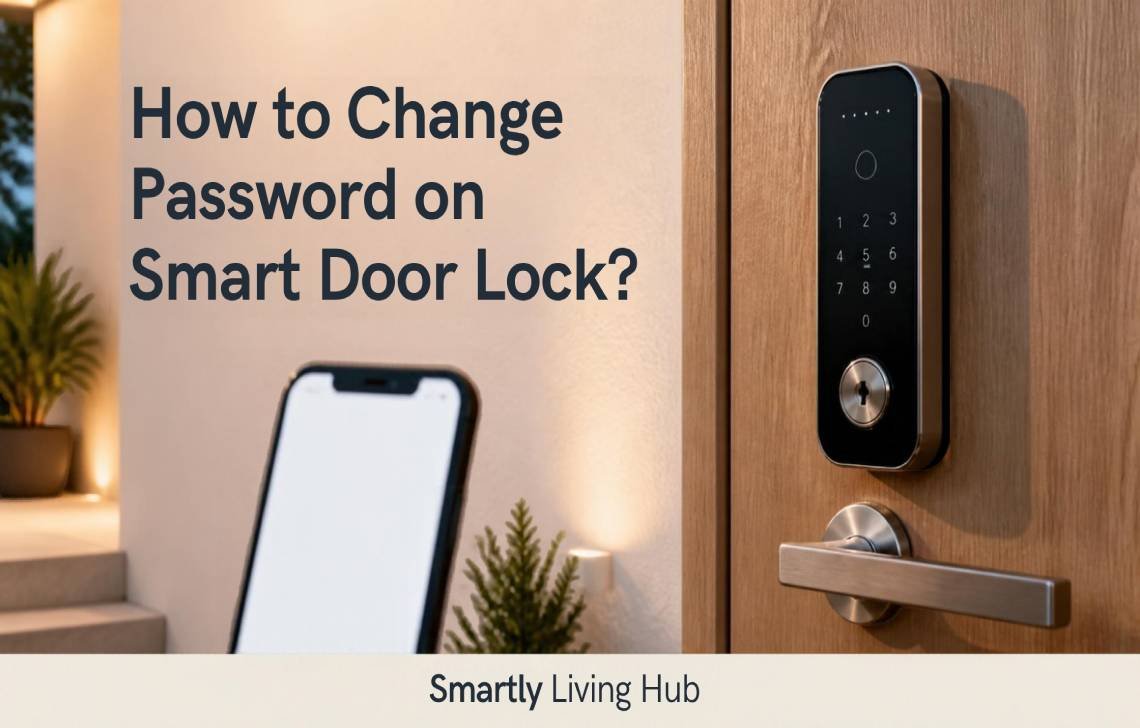
Changing a smart door lock password generally involves either pressing a physical “Registration” button (often labeled R, S, or 등록) inside the battery cover or using a dedicated mobile app—such as the Tapo app—to manage and update PIN codes. Updating your password regularly is essential for maintaining home security, especially when moving into a new residence or after sharing access with temporary guests.
Method 1: Changing Passwords via Physical Unit (Hardware-Based)
Traditional digital door locks, particularly those manufactured in Korea (like Samsung or Gateman), utilize a physical registration button located on the internal unit. Follow these steps to update your code manually:
- Open the internal battery cover: Locate the main unit on the inside of the door and remove the plastic cover.
- Locate and press the Registration button: Look for a small button labeled ‘R’, ‘S’, or ‘등록’. If no labels are present, it is typically the most prominent small button inside the compartment.
- Listen for the confirmation: Press the button once briefly until you hear a ‘beep’ sound.
- Enter the new password: Move to the external keypad and enter your desired numeric code.
- Complete the process: Press the registration button again or the ‘*’ key on the keypad to save your new settings.
Pro Tip: Always keep the door open while testing your new password. This ensures you can verify the code works correctly without the risk of an accidental lockout.
Method 2: Changing Passwords via Mobile App (App-Based)
Modern, app-connected smart locks like the Tapo ecosystem provide more granular control through a mobile interface.
Prerequisite: Connectivity Requirement
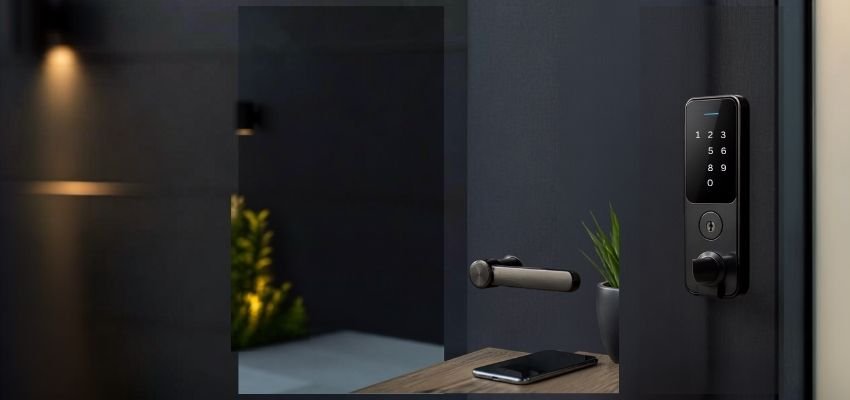
To manage or modify codes, your phone must be connected to the door lock via Bluetooth, or both your phone and the door lock must be online (connected to the local Wi-Fi). You cannot update codes remotely if the lock is offline.
Navigation Path
To manage your codes, open your app and navigate to: Door lock > PIN Code > Normal Code.
The "Modify" Rule
For security reasons, existing PIN codes cannot be viewed or edited within the app once they are set. If you need to change a code, you must create a new PIN code and then delete the previous one. Ensure you record your codes in a secure, non-digital location.
Normal Code vs. One-Time Code
Feature | Normal Code | One-Time Code |
Primary Purpose | Standard access for residents and frequent guests. | Temporary access for visitors or service providers. |
Expiration Rule | Valid based on a set schedule or until manually deleted. | Automatically becomes invalid after a single use. |
Capacity | Shared pool of 200 codes (Normal + One-time total). | Shared pool of 200 codes (Normal + One-time total). |
Daily Schedule | Supports "Daily Repeat Schedule" for specific hours/dates. | Valid only within a specific, set time window. |
Expert Insight on Daily Repeat Schedules: Using the schedule feature allows for precise security logic. For example:
- Disabled: A code remains effective continuously from 9 AM on June 24 to 10 AM on July 1.
- Enabled: The code only functions between 9 AM and 10 AM daily during that same date range—perfect for housekeepers or scheduled deliveries.
Secure your home with the Best Smart Locks for Homeowners.
Advanced Access: One-Time and Emergency Codes
Beyond standard passwords, smart locks offer specialized access methods:
- One-Time Code: Ideal for one-off guests. You can set the name and validity period; once the guest uses it, the code is immediately purged from the system.
- Emergency Code: A random 8-digit code generated by the device’s internal algorithm. This is used when other unlocking methods fail.
- Limitation: You can only generate up to 16 emergency codes every 4 hours.
- Validity: The app will provide a specific “valid time window” upon generation. You must note this window immediately, as the code will expire once used or when the window closes.
Troubleshooting: What to Do if the Battery is Dead
If your lock plays an unusual melody or a red light flickers, your batteries are near exhaustion. If the unit dies completely, the keypad will remain dark.
Problem: Total battery failure. Solution: Use a 9V battery to “jump-start” the unit.
- Purchase a 9V battery: Buy a standard rectangular 9V battery.
- Locate emergency contacts: Look for two metal protrusions (emergency power terminals) on the bottom or front of the external unit.
- Supply power: Hold the 9V battery terminals firmly against the lock’s contacts. Wait a moment for the keypad to light up as power is supplied.
- Gain entry: While maintaining constant contact between the battery and terminals, enter your password to unlock the door.
Security Checklist & Best Practices
- Avoid Predictable Numbers: Never use birthdays or sequences like “1234.” Simple patterns are vulnerable to brute force and smudge attacks, where intruders identify worn or oily fingerprints on specific keys.
- Utilize Schedules: Use the Daily Repeat Schedule to restrict guest access to specific windows (e.g., 9 AM – 10 AM).
- Secure Offline Storage: Since apps hide PIN codes after setup, store your codes and emergency passwords in a secure physical location.
- Learn the Terminology: If using a Korean-manufactured lock, memorize these key terms:
- (Deunglog): Registration
- (Byeongyeong): Change
- (Bimil-beonho): Password / PIN
- (Battery Bangjeon): Dead battery
Conclusion
While the process of changing a password varies by brand, most locks rely on either a physical registration button or a mobile app interface. Regardless of the method, the most critical step is to test your new password immediately while the door is open. By staying proactive with battery maintenance and utilizing advanced scheduling, you can ensure your home remains both accessible to you and secure from others.
FAQs
Can I see my current password in the app?
No. For security, the code is never displayed again after the initial setup. To “change” it, you must delete the existing entry and create a new one.
How many codes can I store?
Most modern locks, such as Tapo models, allow for a maximum of 200 combined Normal and One-time codes.
What do the ‘R’ or ‘S’ buttons mean?
These stand for Registration or Setting. They initiate the hardware-level programming mode.
What happens if the 9V battery jump-start doesn’t work?
If emergency power fails, do not use excessive force. If you are a renter, contact your host immediately. Homeowners should contact the manufacturer’s technical support.
Is there a “Forgot Password” recovery for the lock itself?
For physical units, there is generally no remote recovery if the password is lost and no other access methods (like a physical key override or app) are available. In a total lockout where the password is forgotten, a factory reset or professional locksmith intervention may be required.